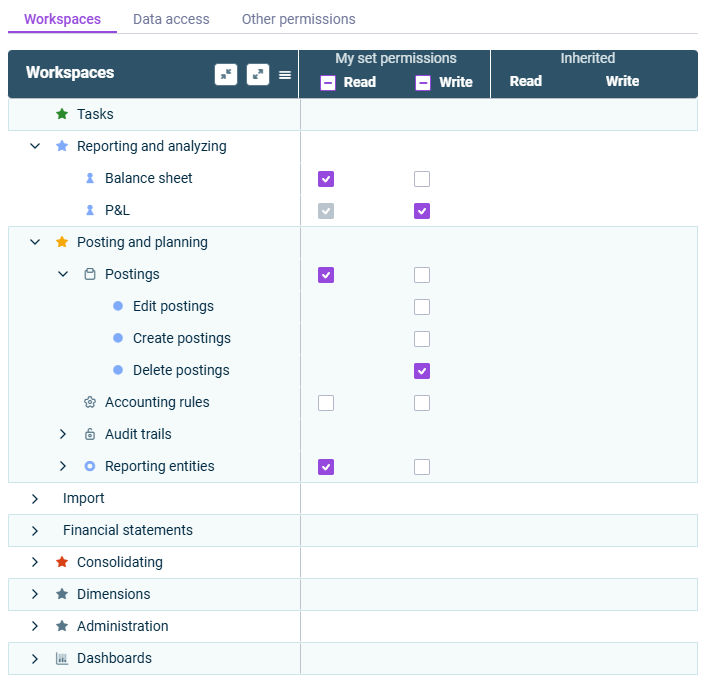
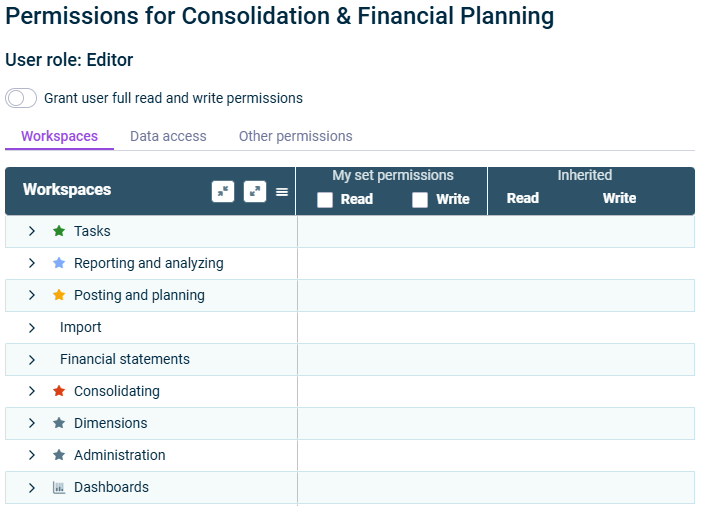

Activate the check box for the areas where the user is to receive read permission.Read Activate the check box for the areas where the user is to receive write permission.Write
For more information on the available categories and permissions, see .Categories and Permissions
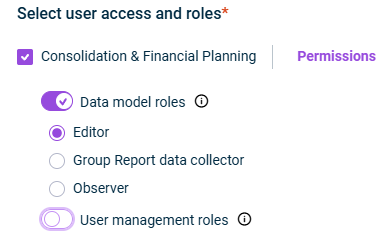
All subordinate and dependent permissions are activated automatically. If a permission is activated, theWrite permission will be automatically activated and locked for editing.Read Users with role can be assigned bothEditor andRead permissions. Users withWrite andObserver can only be assigedGroup report data collector permissions.Read If you set a permission for a section on the tab that also exists on theWorkspaces tab, the permission will be automatically set for that section too, and vice versa.Data Access

displays all permissions.All - - displays an overview of all areas that permissions can be assigned forNot set - displays only those permissions that have already been assigned to the user.My set permissions - displays the permissions inherited from user groups.Inherited
Last updated on Aug 16, 2023