Variables can be moved within a model in xP&A by simply dragging/dropping. You can move multiple variables at once by multi-selecting the variables with Cmd/CTRL + Click, or Shift+↑/↓ and dragging/dropping.
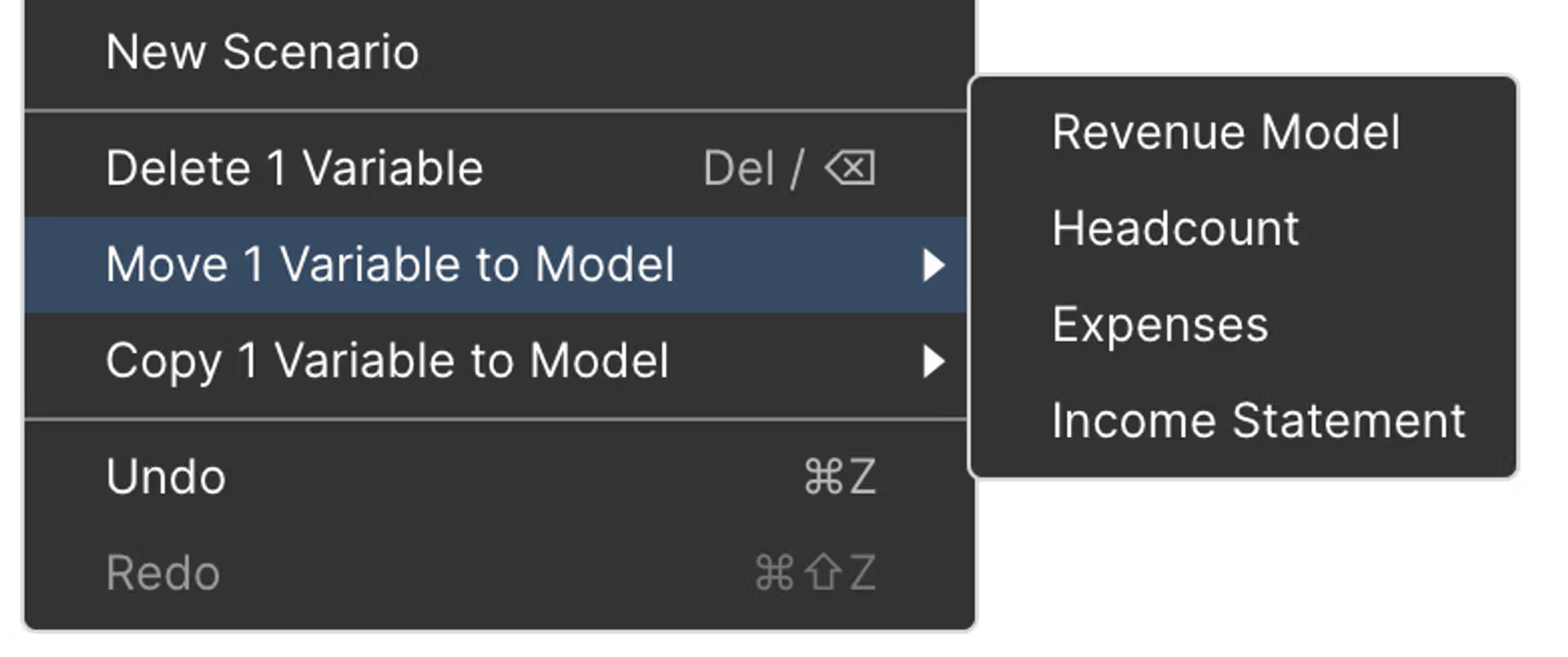
If models are linked together, you can easily move/ copy variables (one or multiple) from one model to another in xP&A by right-clicking, and selecting Move/ Copy variable, and selecting the destination model. You can think of Move like Cut/Paste, and Copy like Copy/Paste.
Moving variables between models
This content was generated using AI and reviewed by Lucanet subject matter experts before publication.