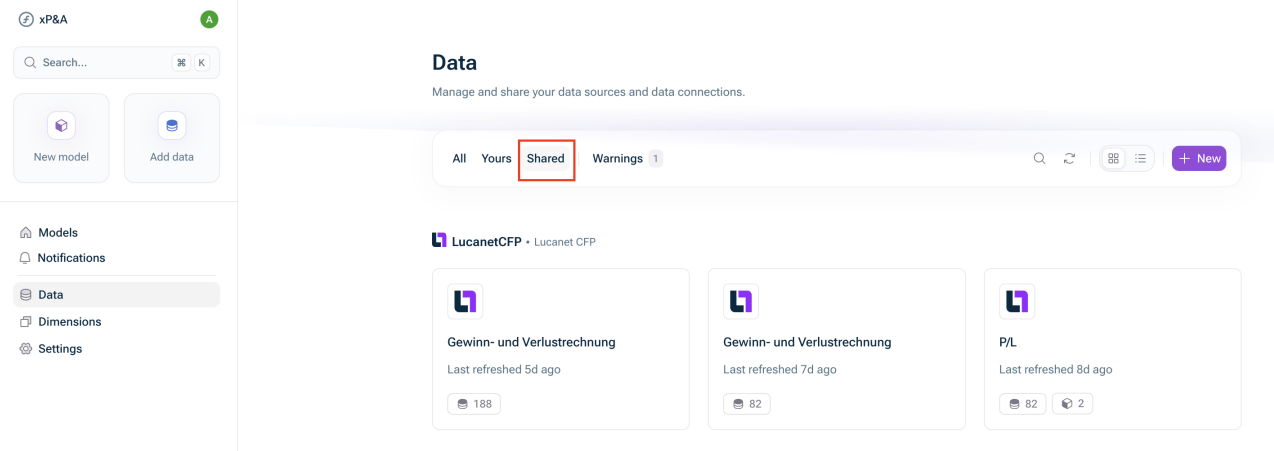
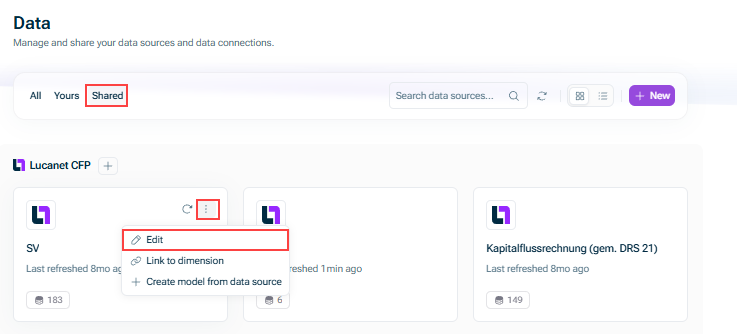
If a data source is used in a model, then anyone with edit or higher access rights to that model can access that data source implicitly. For more information, see Sharing a Model or Folder The second way is to share the data connection directly with others from the Data

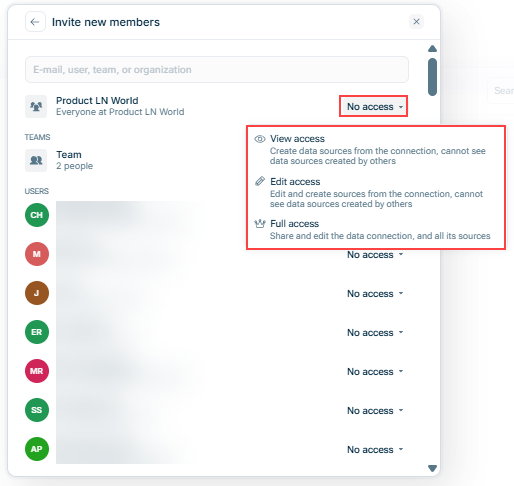
• Can use the connection to create data sources • Cannot see other users' data sources created with the connection | |
• Can edit and reconnect the connection • Can use the connection to create new data sources from it • Cannot see other users' data sources created with the connection | |
• Can access all data sources created with the connection • Can edit data sources created by other users with the connection, where the integration supports data source editing, including SQL queries for database sources • Can edit, reconnect and/or delete the connection where supported by the integration and their existing connection permissions • Can use the connection to create new data sources from it • Can share the connection with other users |
This content was generated using AI and reviewed by Lucanet subject matter experts before publication.