
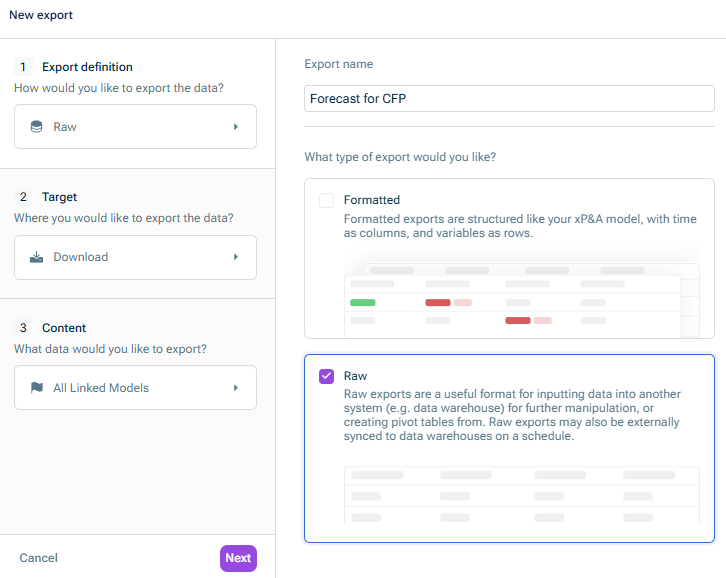
Give the export a clear name Choose the export type Raw
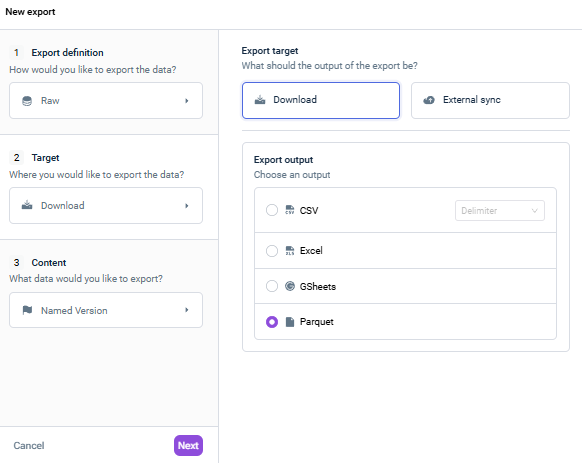
Under Export target Download Under Export output Parquet.
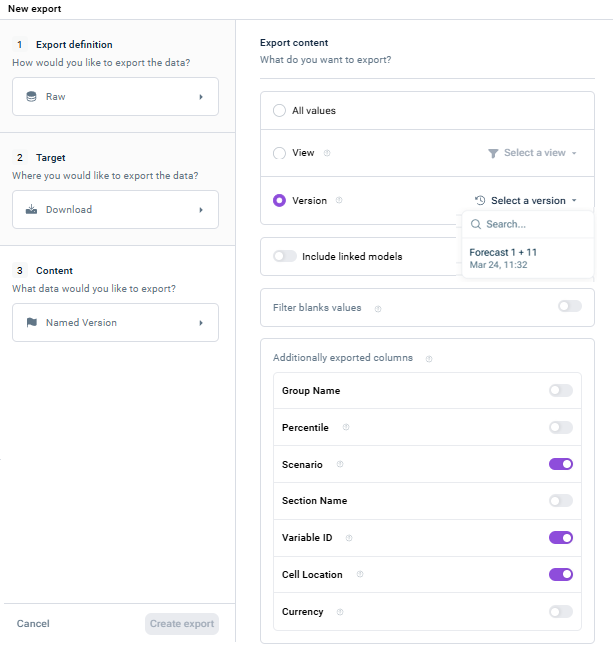
Choose what data you want to export: All values View Version
Under Additionally exported columns, Variable ID Scenario Cell location
This content was generated using AI and reviewed by Lucanet subject matter experts before publication.