Sharing your model with people outside of xP&A For using the model data or outputs in systems outside of xP&A Saving a local or offline copy of your model and its data
![]()

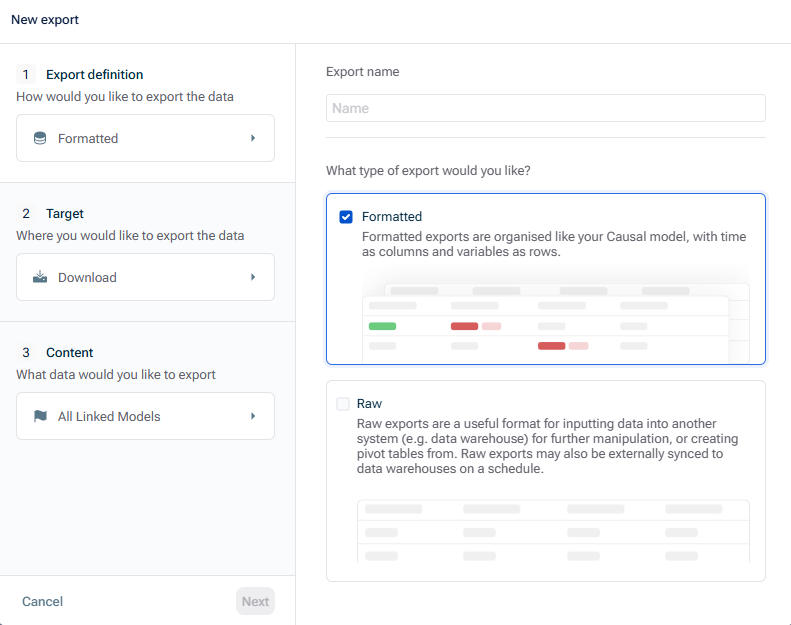
values: useful format for inputting into another system (e.g. data warehouse) for further manipulation, or creating pivot tables from.Raw valuesFormatted This format is organized like your xP&A model, with time as columns and variables as rows.:
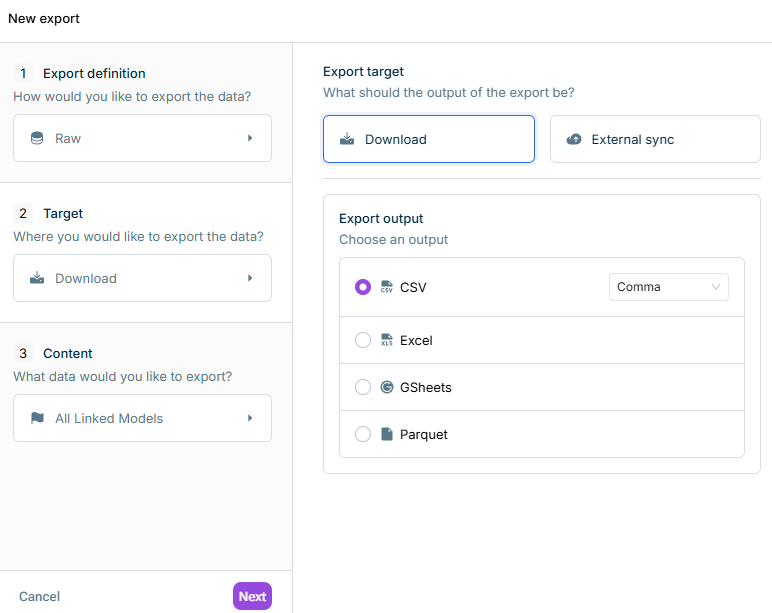
:Download
If you export , the output format is always anformatted values file.Excel If you export , you can choose between,raw values , orCSV, Excel, Google Sheets (a compressed file format designed for fast querying and efficient storage, especially for big data volumes)Parquet :External sync
Use this option if you want the export to be with an external system and choose thesynced and thetarget system for the synchronization.parameters
In addition, specify the , i.e. if you want to sync the export one-time only or regularly on a specific day and time.export schedule
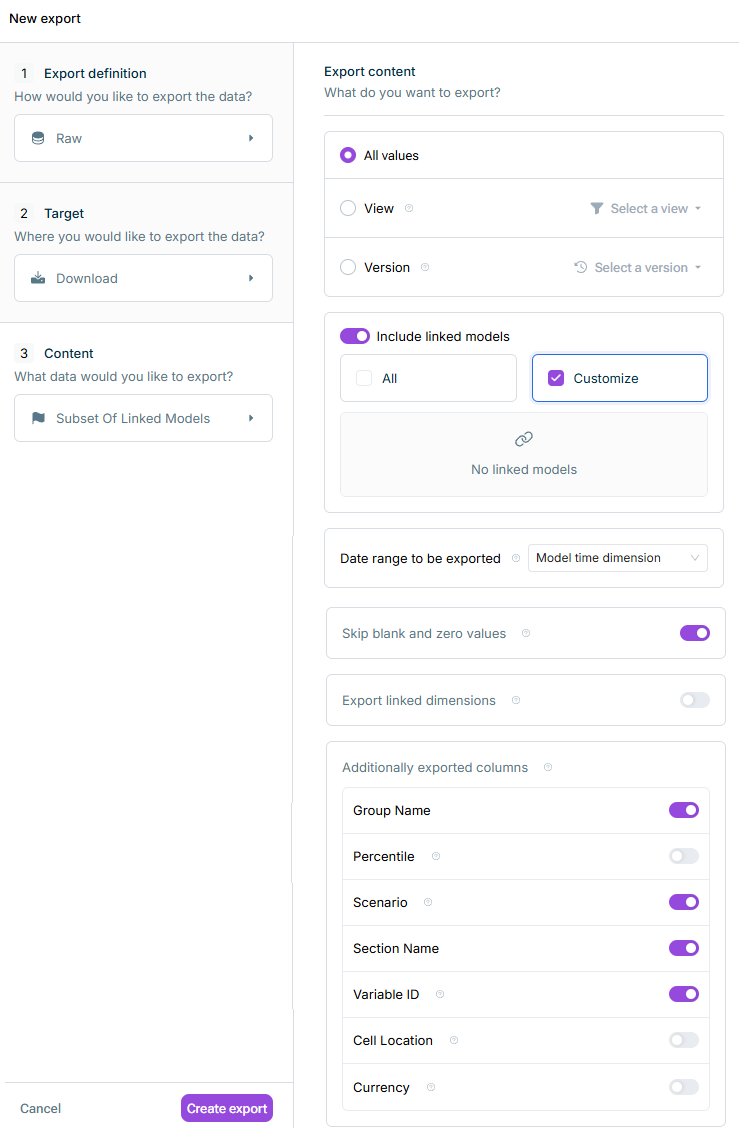
: ExportAll values .all values : Filter values via aView (you will need to exit the export modal if you need to create a view).view : Choose a specificVersion to be exported.version
: All linked models are exported.All : Choose the linked models you want to export as well.Customize
: Will export all dates in the modelModel time dimension : Will limit the exported dates to the currently selected time filter.Model time filter
Last updated on Aug 16, 2023