
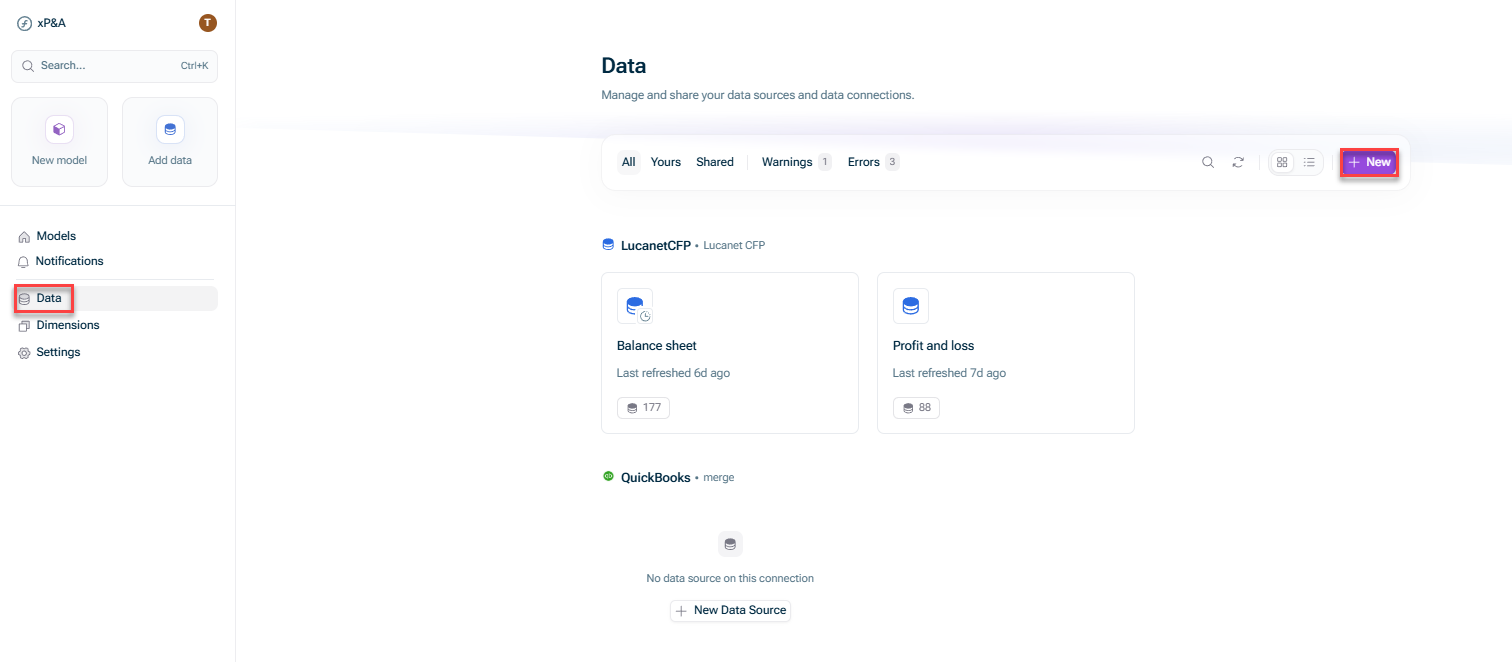
Open the Data + New.
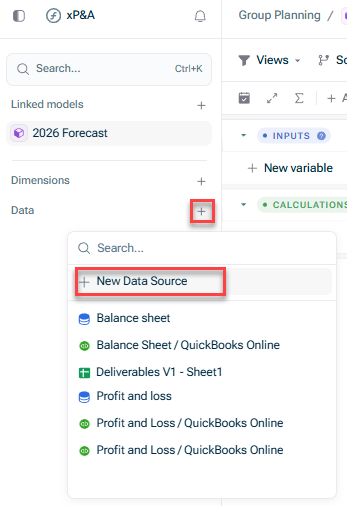
Open the model into which you would like to integrate the data, click the + Data New data source
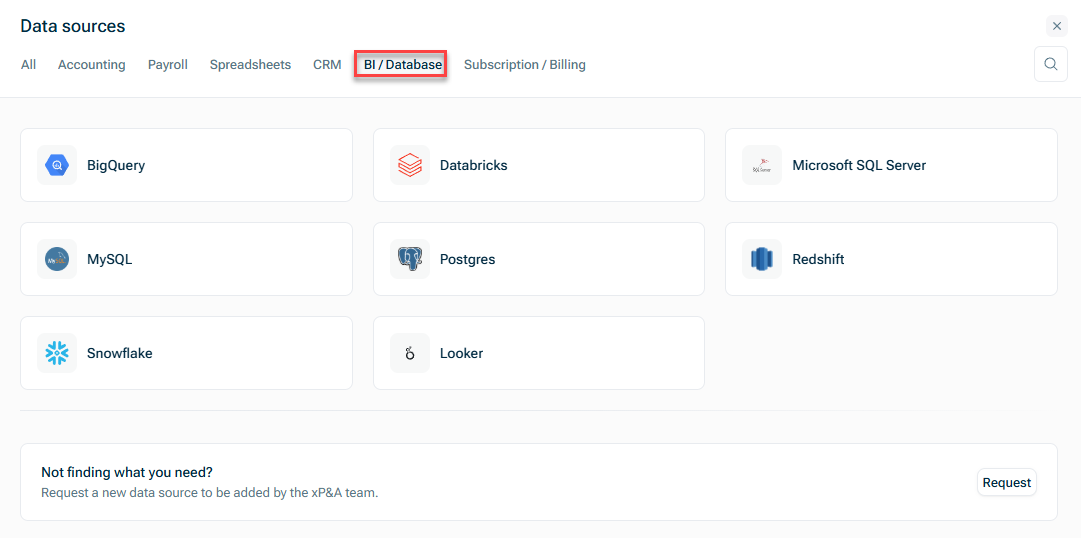
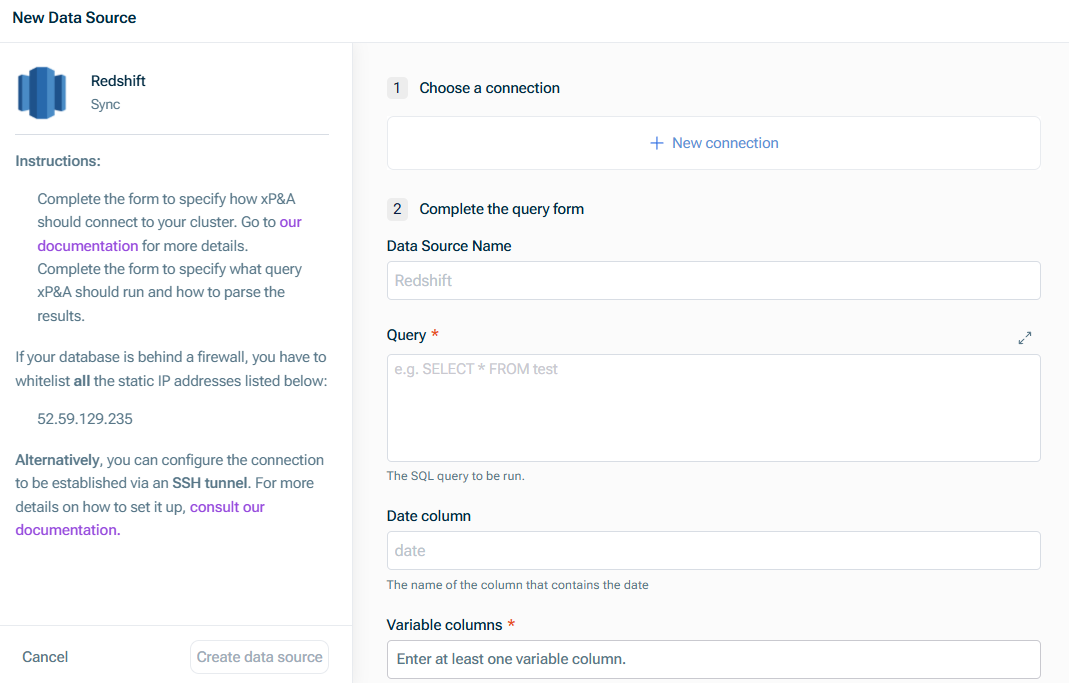
Choose a connection
Redshift Cluster endpoint host name Cluster endpoint port Name of the database Database user name password
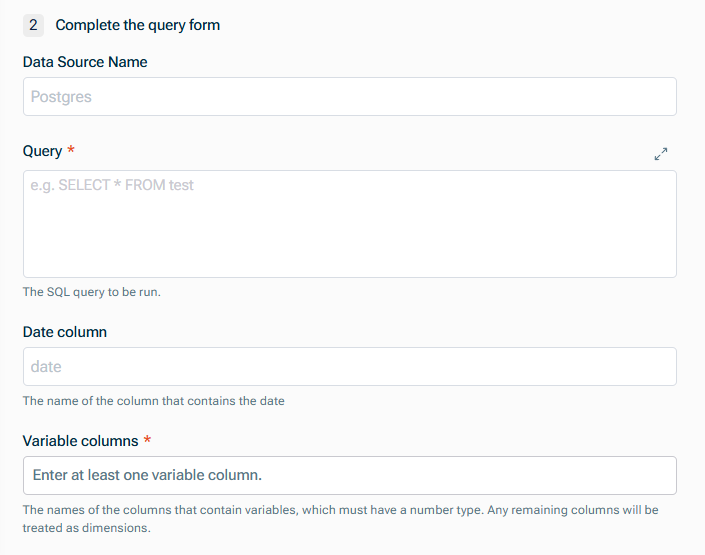
Complete the query form
Data Source Name Query Defining Database Queries Name of the Date column Names of the columns that contain variables numeric
Last updated on Aug 16, 2023