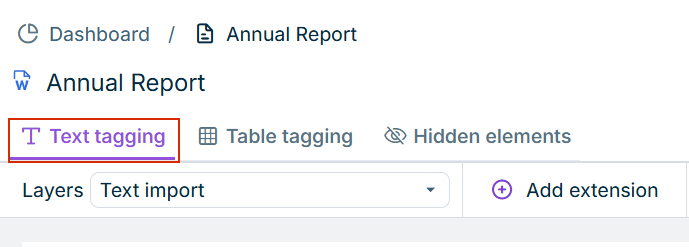
If necessary, open the desired document and switch to the Text tagging tab.
Opening the 'Text tagging' tab
2
Select a tagged text block in the document.
If you want to use a text block as a footnote that is not yet tagged, drag the desired tag from the taxonomy onto the selected text block (see Tagging a Document).
3
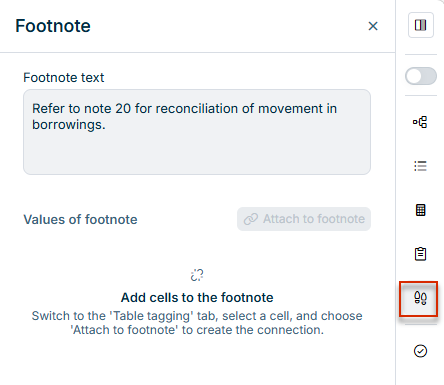
In the side bar, click the Footnote panel.
The panel shows the footnote connections of the currently selected text block, if any. If the selected text block is not yet linked to a cell in a table, the Footnote panel is displayed as follows:
Footnote panel at start, with no cell selected in a table
4
Switch to the Table tagging tab.
5
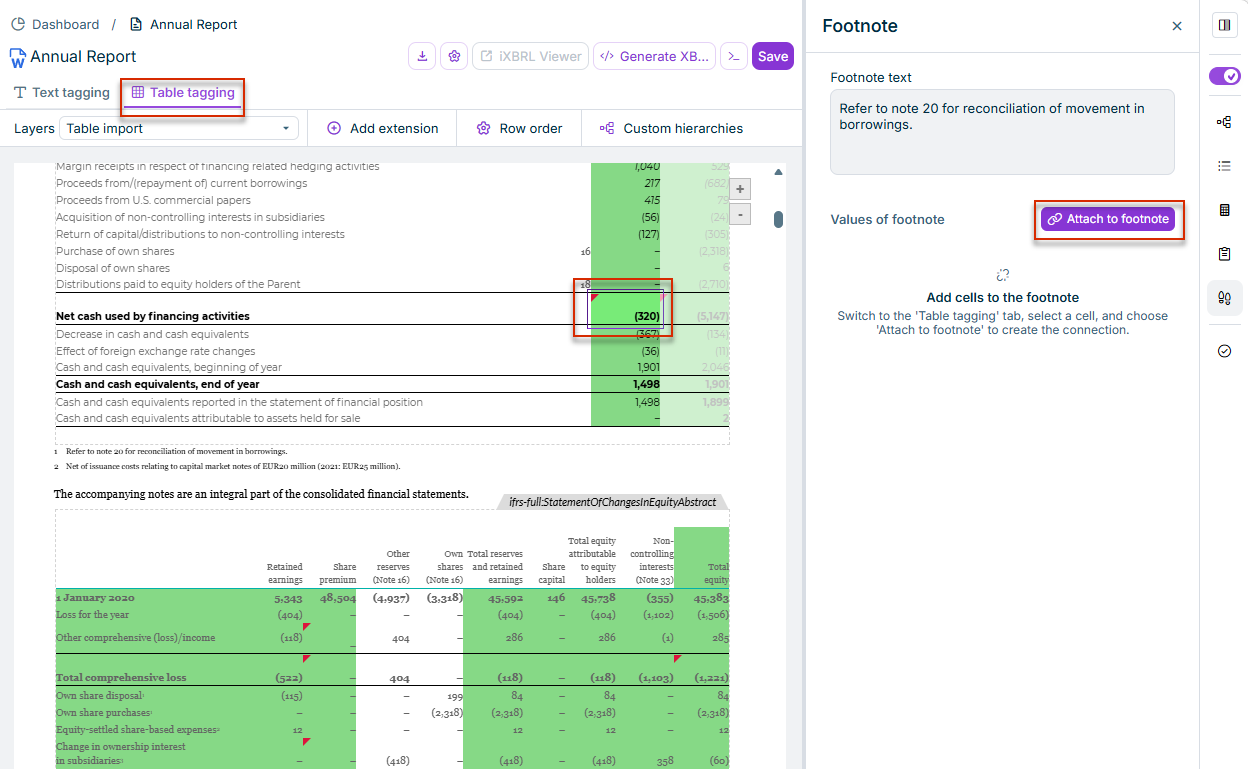
In the desired table, select the cell(s) to which the selected text block should be assigned as a footnote:
The selected cell is assigned to a table cell in the Table tagging view
6
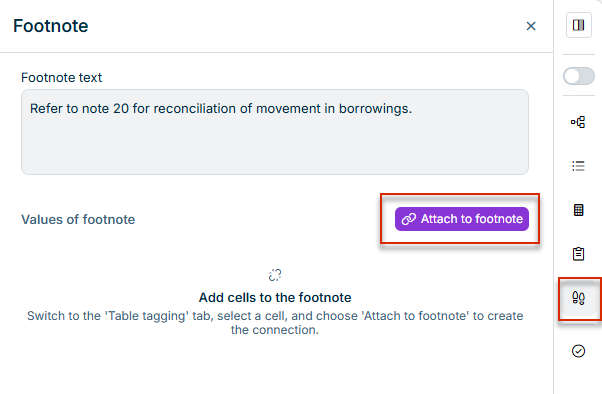
Click Attach to footnote.
Footnote panel before any footnote is created
7
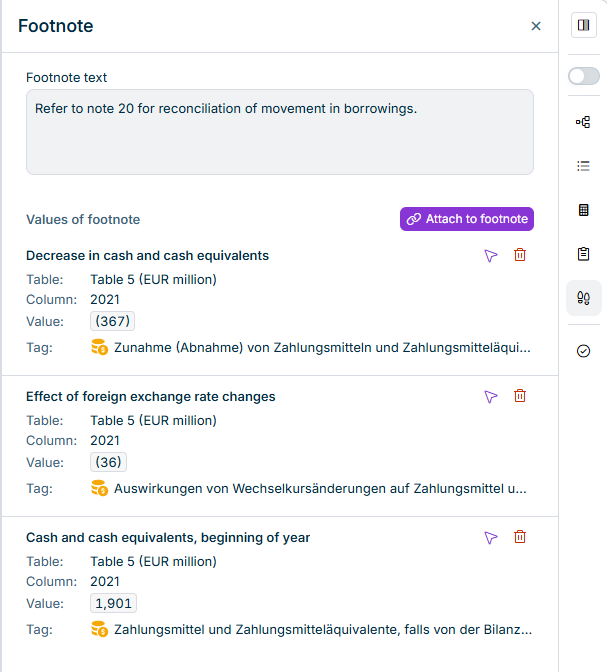
The assigned footnotes are then displayed in the panel, for example, as follows: