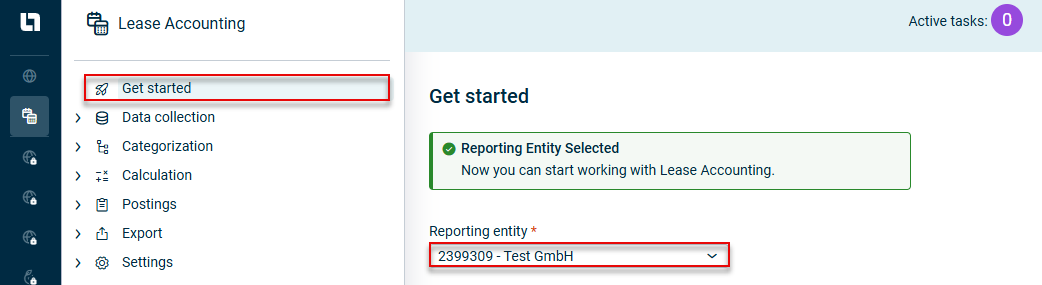
To record data in Lease Accounting, a user must be granted access rights to Lease Accounting Administration | User Management Lucanet CFO Solution Platform Creating and Editing Users for the CFO Solution Platform During a user’s first login Settings If a user needs to enter or edit data for several reporting entities, they must take care to select the correct reporting entity under Get started Users can select any reporting entity from the Lucanet.Financial Client that has already been imported into Lease Accounting using the Reporting entities Creating and Configuring Reporting Entities The reporting entities can only be used correctly to calculate lease components if all the mandatory fields have been configured (see Creating and Configuring Reporting Entities
This content was generated using AI and reviewed by Lucanet subject matter experts before publication.