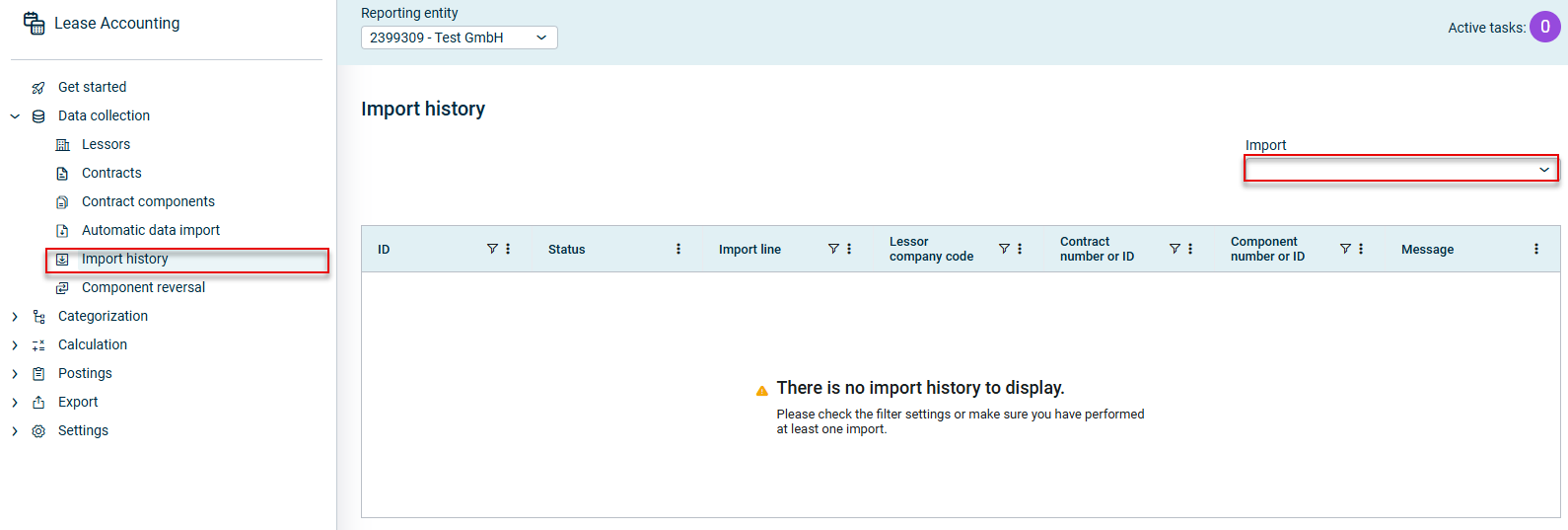
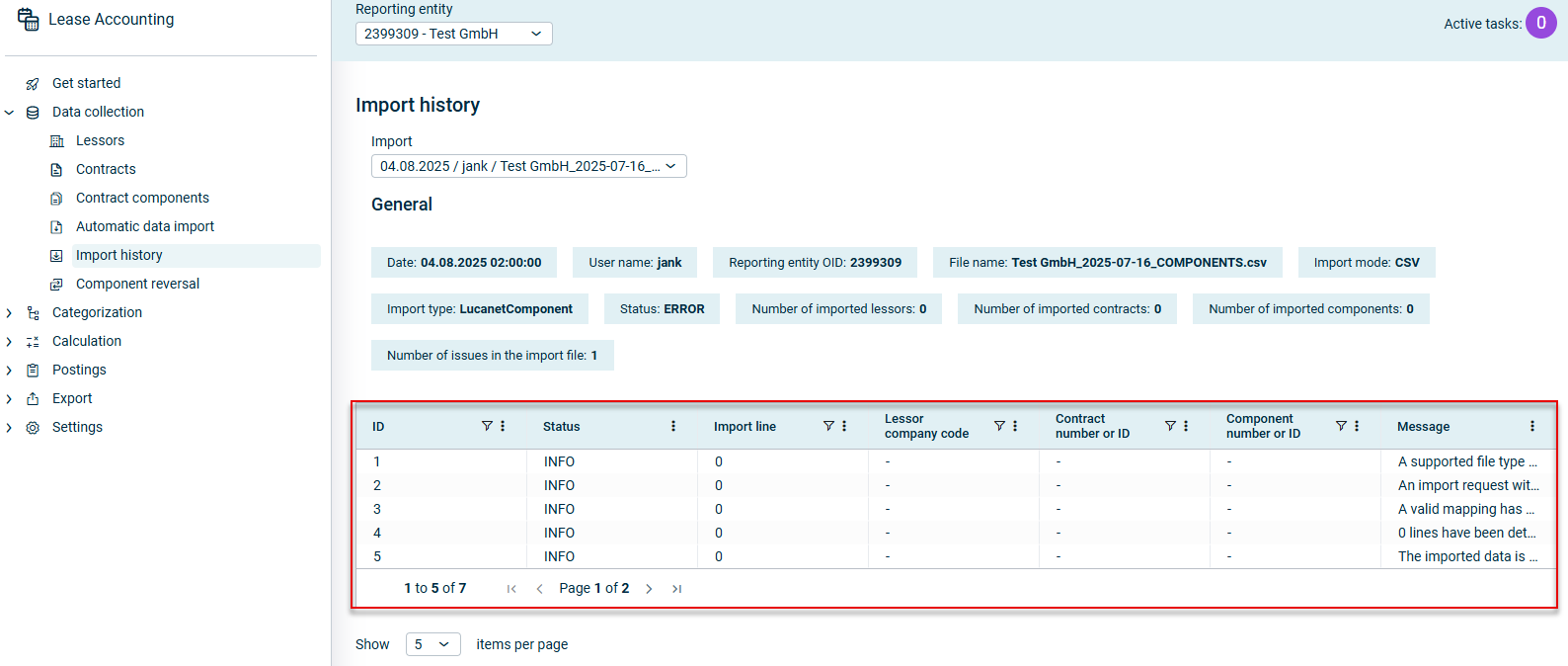
In the Import history workspace in Lucanet Lease Accounting, you can access information on all your previous imports at any time and across all reporting entities. This allows you to view the properties, status and execution errors for each individual import.
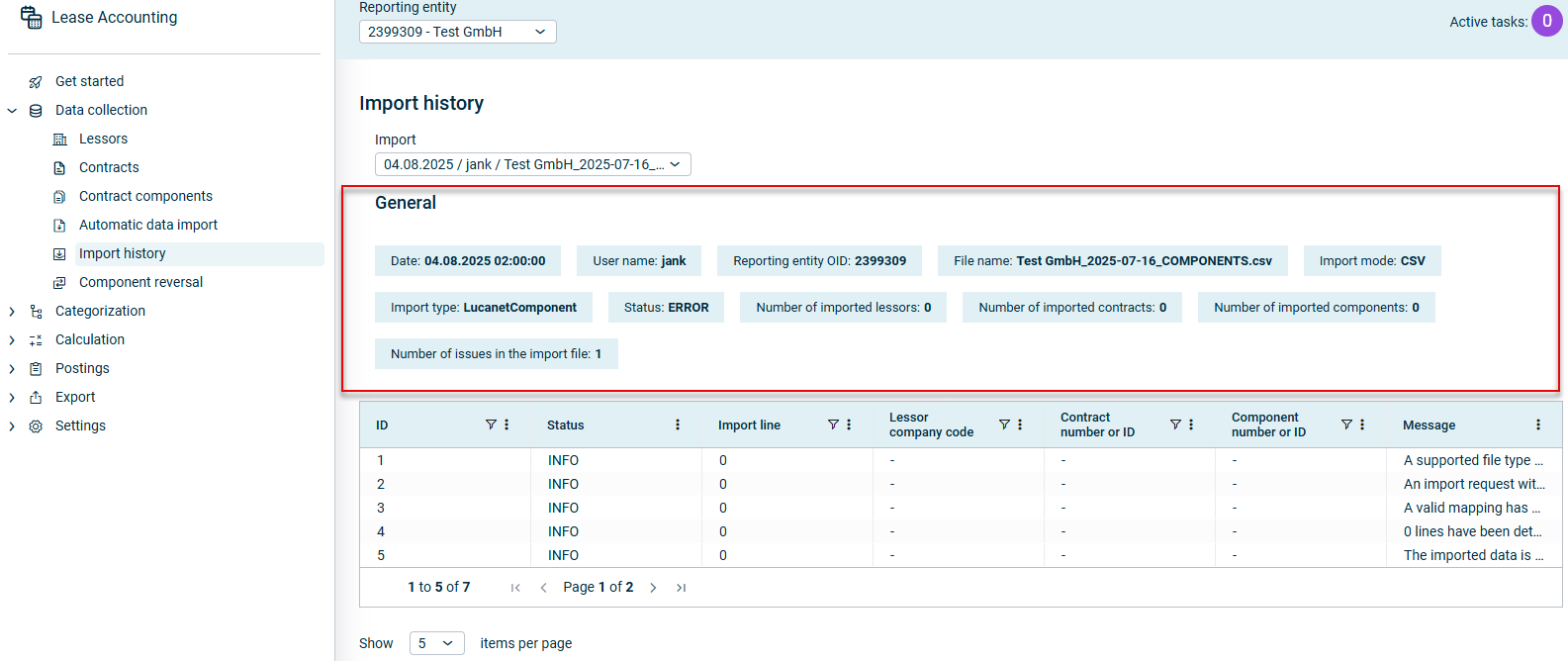
The General area displays general information on the execution of the entire Import run:
'General' area in the 'Import history' workspace
The following table describes the fields of the General area in the Lease Accounting import history:
Field
Description
Date
Date of the import run
User name
The user who performed the import run
Reporting entity OID
OID of the reporting entity (lessee) for whom the import run was executed
File name
Name of the imported file
Import mode
The file type to be imported, for example CSV or EXCEL.
Import type
The data type that was imported. The following options are displayed: • StandardExternalPartner for importing lessors • LucanetContract for importing contracts • LucanetComponent for importing contract components
Status
Status of the import. The following options are displayed: • Success if the import was completed successfully • Error if an error occurred during the import run • Warning if a warning was issued during the import run • Info if the only message provides information on the import’s execution status • TBD if the import run is still ongoing and it is not yet possible to display a status for it.
Number of imported lessors
Number of lessors imported successfully during the import run
Number of imported contracts
Number of contracts imported successfully during the import run
Number of imported components
Number of contract components imported successfully during the import run
Number of issues in the import file
Number of errors and warnings output during an import that was not executed successfully