Cost centers that have been created for reporting entities in Consolidation & Financial Planning (CFP) can be imported directly into Lucanet Lease Accounting. This feature ensures that your financial and lease data are interconnected, allowing for more comprehensive reporting and analysis.
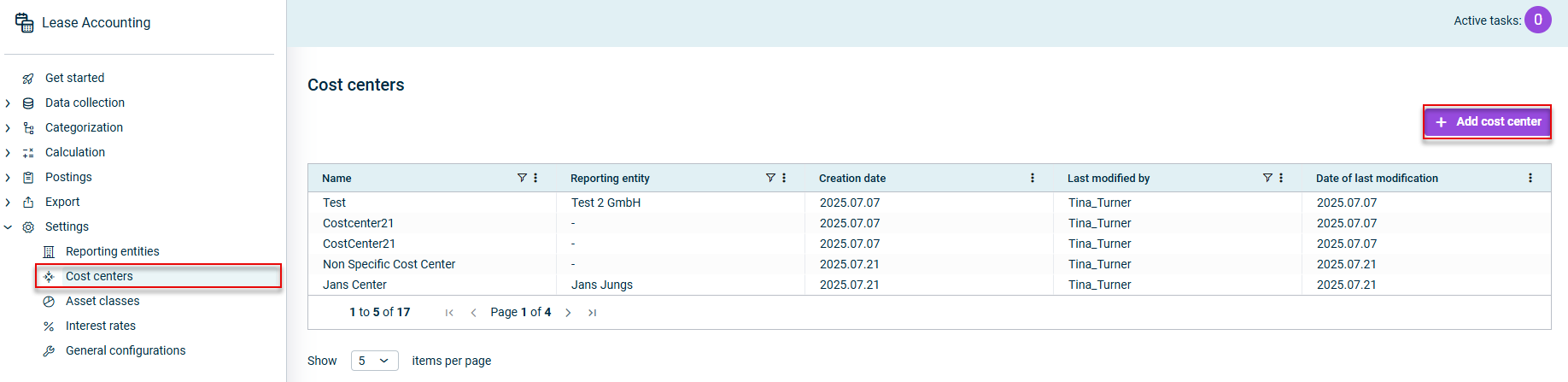
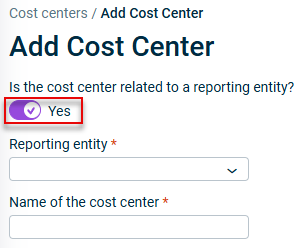
Users with a standalone license for Lucanet Lease Accounting can create cost centers directly within Lease Accounting, rather than importing them. For details, see Creating Cost Centers in Lease Accounting.
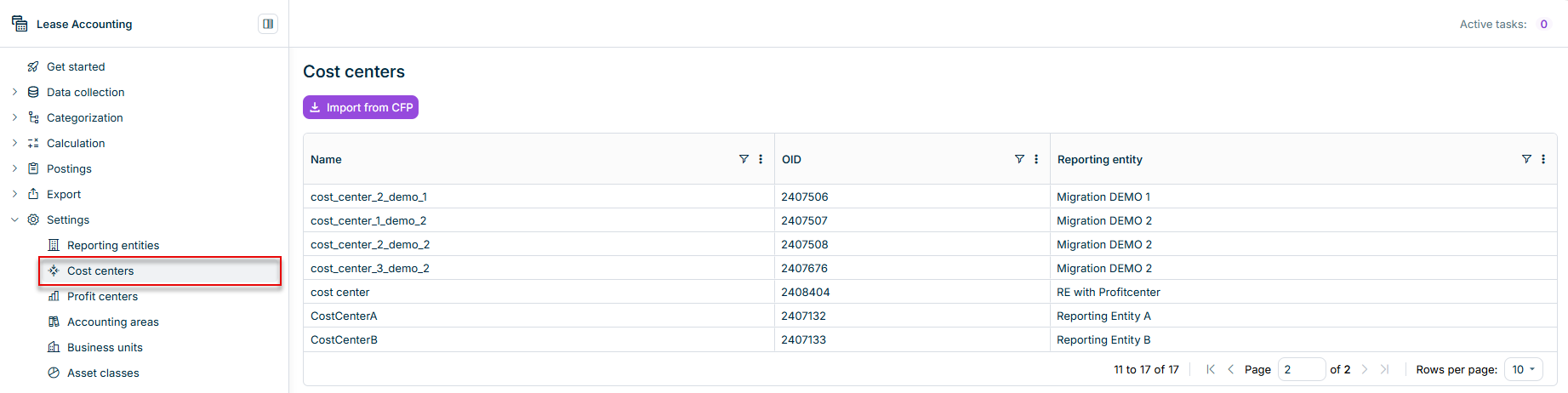
The Cost Centers workspace in Lease Accounting displays all the cost centers that have already been imported from Lucanet Consolidation & Financial Planning:
To import cost centers from Lucanet Consolidation & Financial Planning into Lease Accounting:
1
Click Import from CFP. The Import from CFP dialog is displayed:
'Import from CFP' dialog
2
Click Import from CFP to confirm the message and carry out the import.
Once the cost centers have been imported from Consolidation & Financial Planning, the cost centers will be displayed in the overview table.
To ensure that cost centers created or updated in Lucanet Consolidation & Financial Planning at a later date can be used in Lease Accounting, carry out a new import.
When another import is executed, only those cost centers that have been created or updated since the last import will be added.