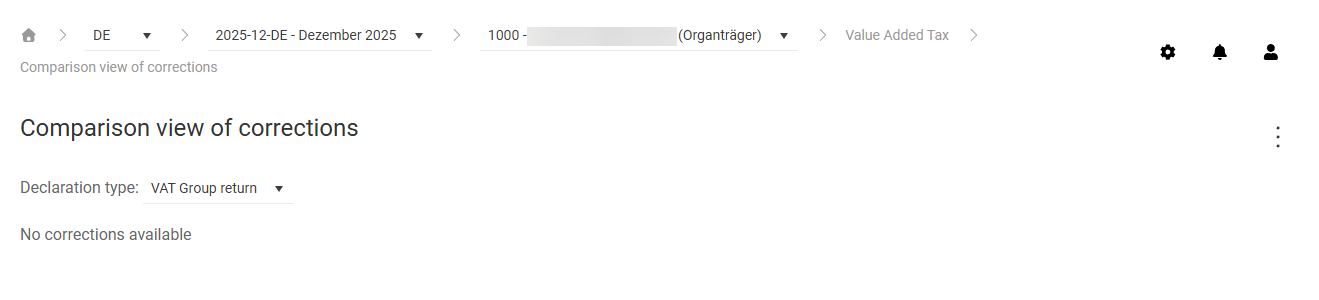
The Comparison view of corrections workspace in Lucanet VAT (Value Added Tax) shows two correction versions of a declaration side by side and displays the difference between the two versions. This lets you see at a glance which fields have changed between the chosen correction versions. The view is available for both the Declaration and the VAT Group Return.
The Comparison view of corrections workspace can be found under VAT | Value Added Tax | Comparison view of corrections and is displayed as follows, for example:
In the upper area of the Comparison view of corrections workspace in VAT, you choose the correction versions that you want to compare via two drop-down lists:
First drop-down list: Choose the reference correction. The original declaration is not available here, because at least one correction is required as a reference.
Second drop-down list: Choose the correction that you want to compare with. Only corrections with a lower number than the reference correction are available. Correction 0 corresponds to the original declaration.
The Declaration type: drop-down list is only visible for representative VAT group members and consolidated VAT group members. There you switch between the comparison view for the Declaration and the VAT Group return.
The comparison view only contains values once at least one correction has been created for the chosen company and period.
The comparison view of corrections in VAT shows the following columns:
Column
Description
Row
Row number of the declaration field
Name
Name of the declaration field
Correction (reference)
Field value from the correction chosen in the first drop-down list
Correction (comparison)
Field value from the correction chosen in the second drop-down list
Difference
Difference between the values of the two corrections
In addition to the general functions, the following functions are available in the three-dot menu (⋮) in the top right corner of the Comparison view of corrections workspace in VAT:
Function
Description
Form language: DE/Form language: EN
Switches the language of the declaration form between DE (German), EN (English), or, if stored, the national language of the form.
Show all values/Show Only differences values
Switches between the complete view of all field values and a filtered view that only shows fields with differences between the correction versions.
This content was generated using AI and reviewed by Lucanet subject matter experts before publication.