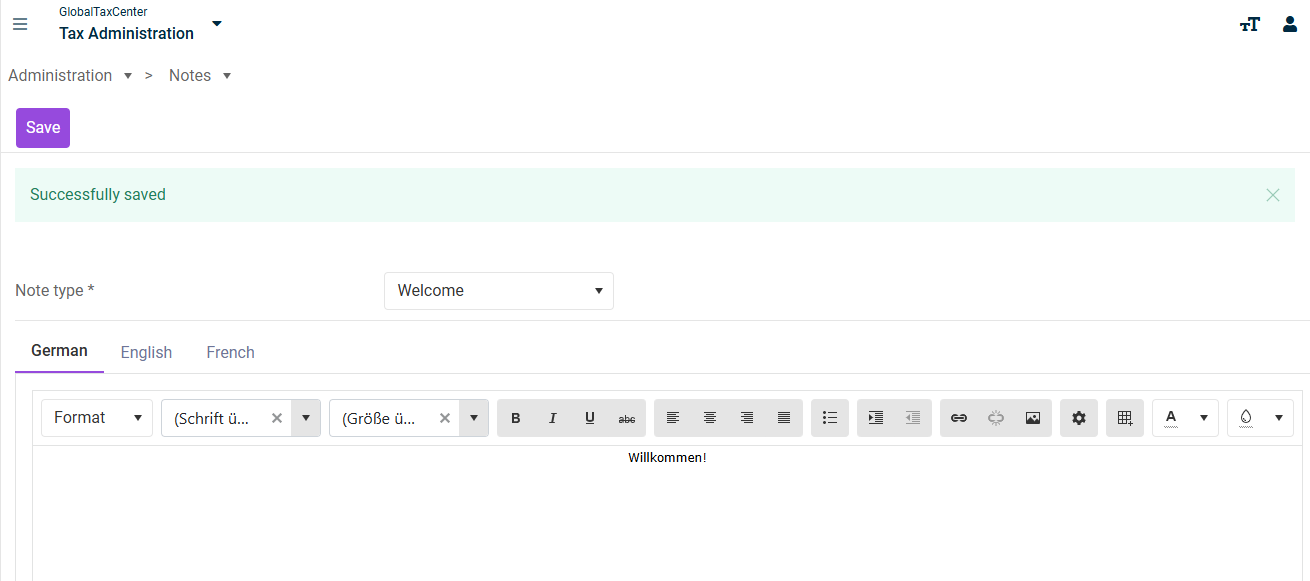
In the Notes workspace, you can create your own notes for all users. The created notes are displayed on the start page of Tax Administration.
The Notes workspace can be found under Tax Administration | Notes.
The Notes workspace is displayed as follows, for example:
To create a note, proceed as follows:
Choose the desired note note type from the drop-down list.
Format the note in the text editor using the available text formatting tools.
If necessary, create additional language-specific templates via the tabs German , English and French.
Click Save.
This content was generated using AI and reviewed by Lucanet subject matter experts before publication.
KB8469779
Last updated on May 1, 2026