Lucanet Copilot is an AI-based chat functionality designed to provide quick answers and insights regarding your data within the CFO Solution Platform. Lucanet Copilot can help you with the following scenarios:

  • General inquiries: You can ask questions from anywhere in the platform about the Lucanet product itself. The AI leverages our online documentation Lucanet Knowledge Base to deliver clear, user-friendly answers.
  • Consolidation & Financial Planning insights: While accessing the Consolidation & Financial Planning workspace, you can quickly gain insights into related reports and data.

While Lucanet Copilot is designed to provide accurate and helpful answers, it may occasionally make mistakes. We recommend double-checking all answers and insights provided by the AI to ensure their accuracy.

To open Lucanet Copilot:

1

Navigate to any section within the Lucanet CFO Solution Platform for general product inquiries, or go to the specific Ledger in the Consolidation & Financial Planning area for detailed insights.

2

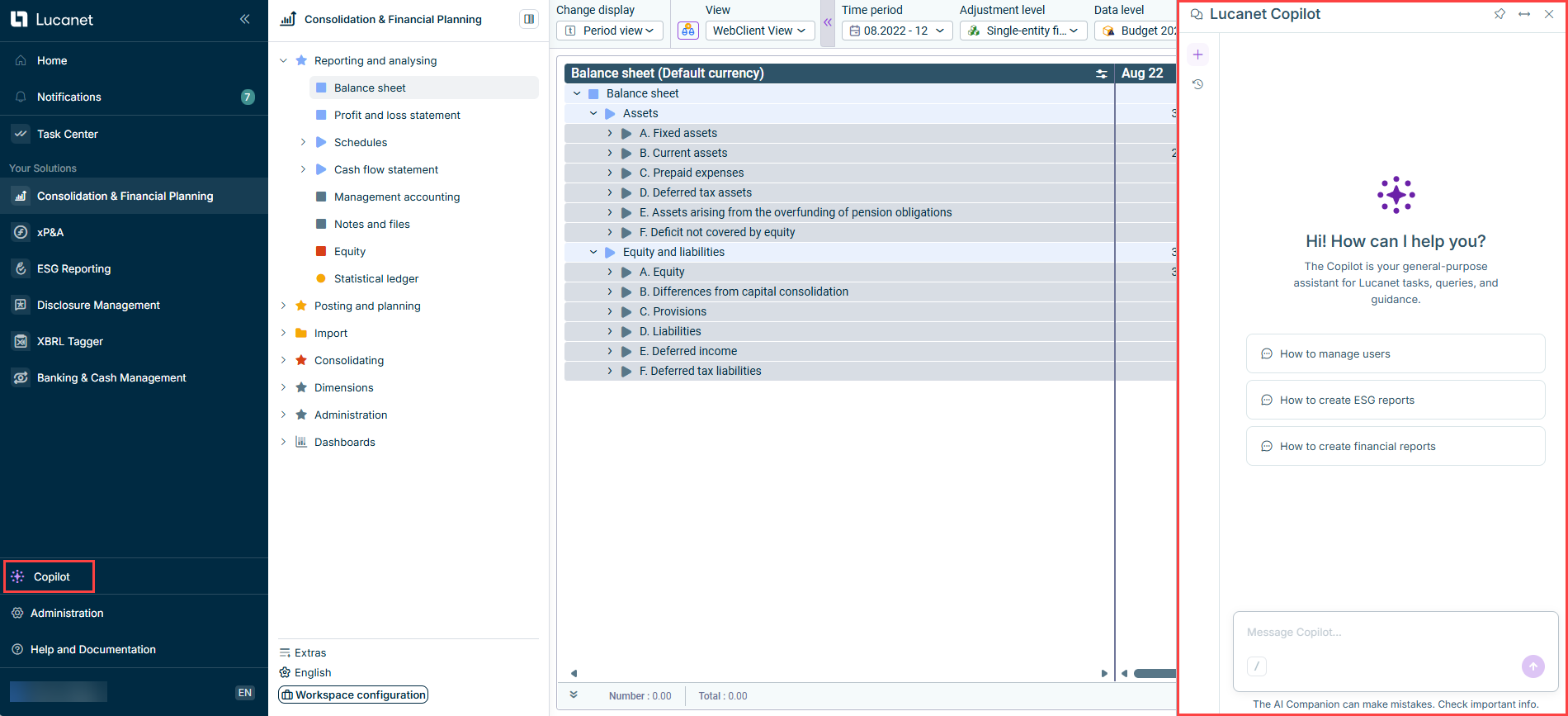
Click Copilot in the main menu. The Copilot panel is displayed as follows, for example:

3

Type your question in simple language. For example, you can ask about specific data points or request insights on your Consolidation & Financial Planning reports.

If you're not sure where to start, the system provides context-aware prompt suggestions to help guide your queries.

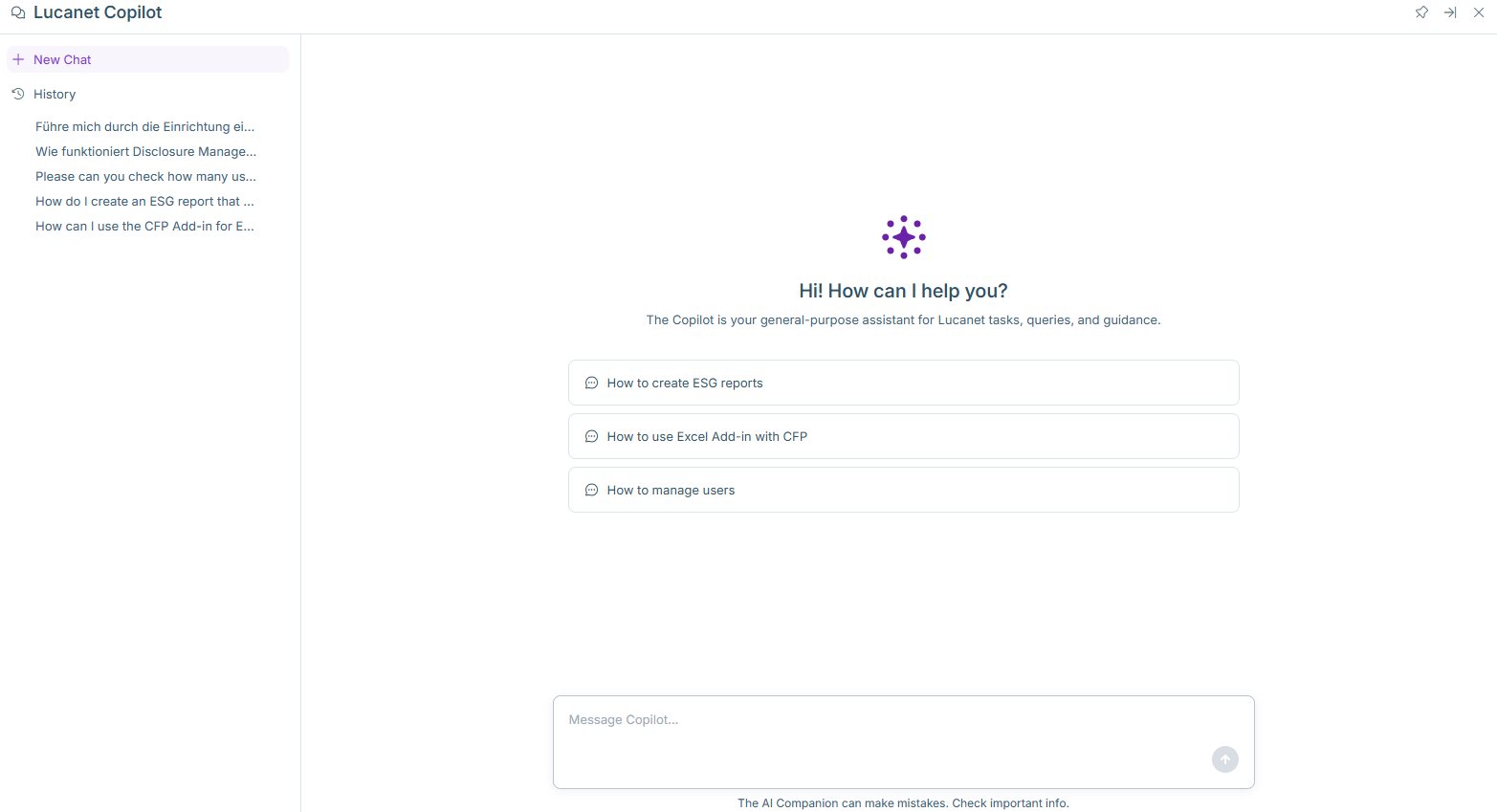
When opened in full-screen mode, the Lucanet Copilot window is displayed as follows:

Shows Lucanet Copilot on a full screen
Lucanet Copilot on full screen

Lucanet Copilot offers the following general functions:

FunctionDescription
Suggested promptsWhen you open Copilot, a welcome screen with suggested prompts is displayed to help you get started.
Start a new chatUse the + button in the sidebar to start a new conversation without losing your previous threads.
Conversation historyAll your conversations are saved as separate threads. The history panel is searchable and grouped by recency. A chat remains accessible for up to 30 days. After 30 days, a chat is automatically deleted from your history.
Rename a threadThreads are automatically named after your first message. If you want to rename a chat, open the chat from the history, hover over the three-dot menu, and choose Rename.
Delete a threadIf you want to permanently remove a chat, open the chat from the history, hover over the three-dot menu, and choose Delete.
Full-screen modeSelect the expand icon in the top toolbar to expand the Copilot panel to full screen for more space during longer or more complex conversations.
Streaming responsesCopilot displays responses word by word as they are generated, so you can start reading immediately.
Referencing dimensionsYou can reference dimensions from Consolidation & Financial Planning in your Copilot prompts using a forward slash ("/"). When typing a forward slash, a drop-down list of available dimensions such as account, data level, or organization element appears. You can select any dimension to narrow your request. After selecting a dimension, another drop-down list is displayed, showing only elements that are relevant to that dimension.