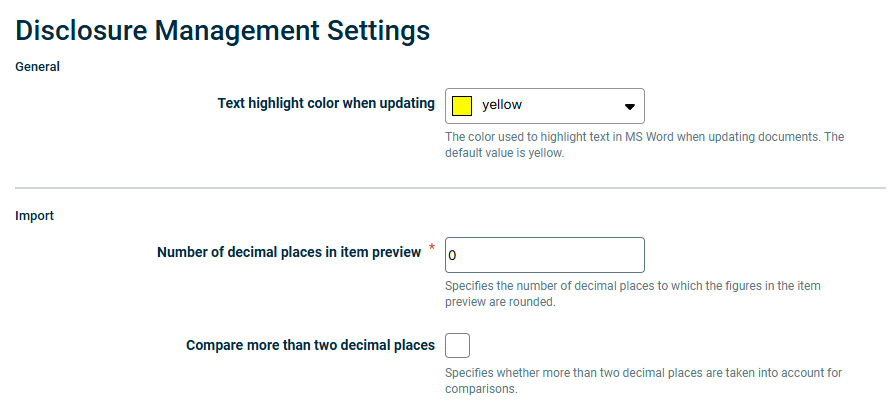
In the Disclosure Management Settings you can configure individual preferences for how certain areas of Disclosure Management are displayed. These will apply across the whole system:
General display
Data import display
Display in MS Excel
The Disclosure Management Settings functional area is only available to users who have been assigned the role of Global Administrator in the Role Management area of Disclosure Management, because this role is the only one with permission to manage system-wide settings (global settings). For more information on roles in Disclosure Management, see Assigning Global Roles in Disclosure Management.