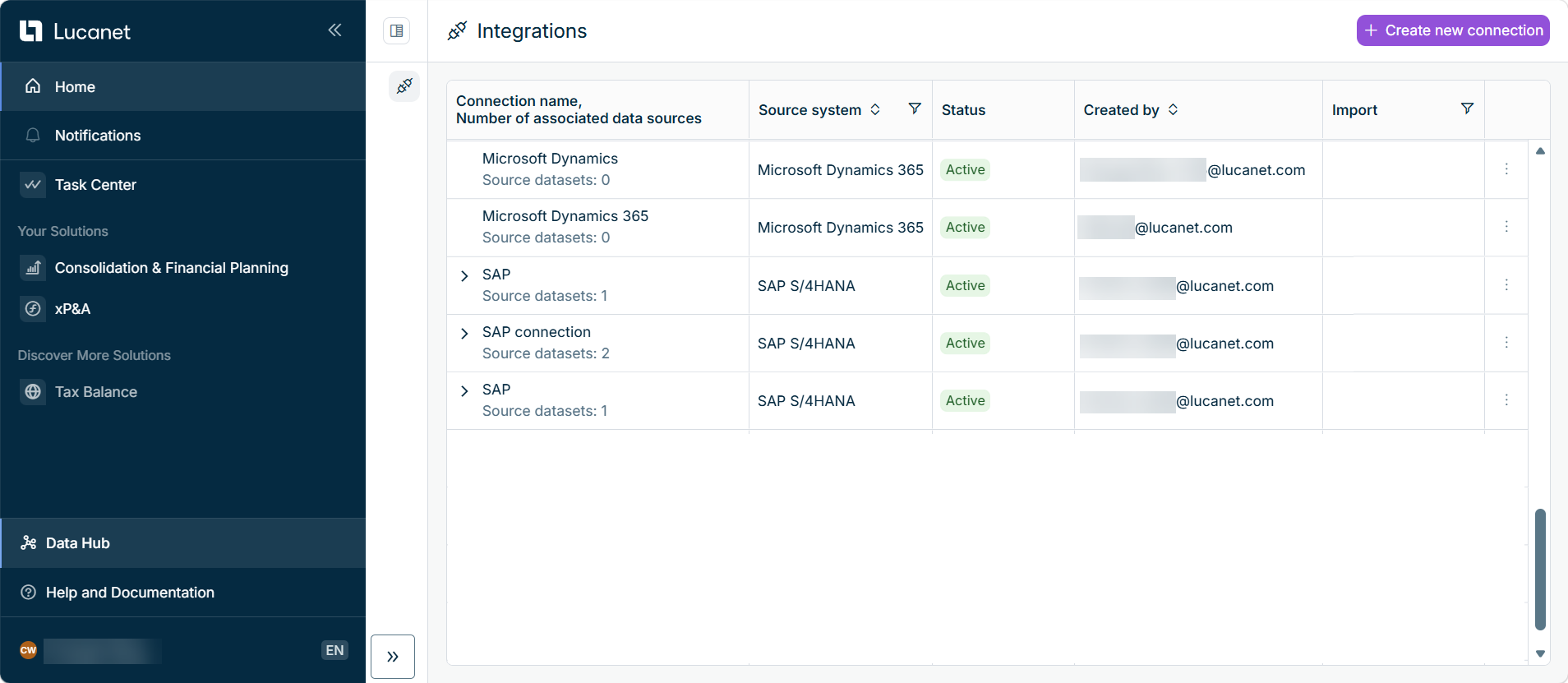
Data Hub brings the management of external data integrations together in one central place on the Lucanet CFO Solution Platform. You can open Data Hub from the main menu.
Data Hub is displayed as follows, for example:
Data Hub in the main menu of the Lucanet CFO Solution Platform
Data integration in Data Hub follows three steps, each covered on its own page:
1
Managing Connections: A connection specifies the authentication settings Data Hub uses to access an external source system, such as SAP S/4HANA, Microsoft Dynamics 365, or an SQL database accessed through JDBC.
2
Managing Source Datasets: In Data Hub, a source dataset specifies which data to import from a source system. Each source dataset belongs to a connection, and a connection can have one or more source datasets.
3
Importing Data: An import in Data Hub extracts the data defined in a source dataset from the source system and loads it into the Lucanet solutions. You can start an import at any time and track its progress and results in the execution history of the source dataset.
Data Hub supports connections to SAP S/4HANA, Microsoft Dynamics 365, and SQL databases. Support for additional source systems and Lucanet solutions is planned. Data Hub is activated by Lucanet and is being rolled out gradually, so it is not yet visible for every customer.
This content was generated using AI and reviewed by Lucanet subject matter experts before publication.