Total lines are used for calculating totals or subtotals in structures. Total lines can be created in the context of reporting entities and cost center groups.
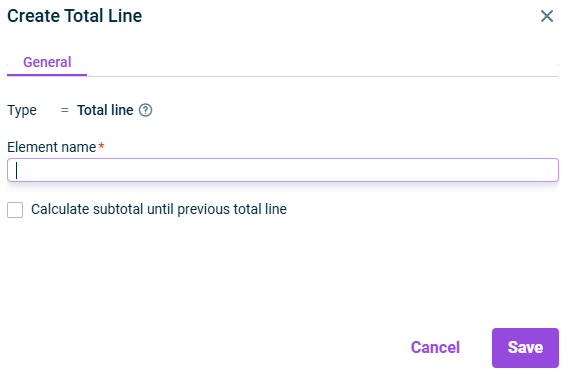
Right-click a reporting entity or a cost center group and choose Create | Total line from the context menu. The Create Total Line dialog is displayed:
Creating a total line
2
Specify the name of the element.
3
Activate the check box Calculate subtotal until previous total line if you wish to calculate a subtotal for all structure units below the previous total line.
4
Click Save.
After creating a total line, you can configure this total line and activate or deactivate the option Calculate subtotal until previous total line as well as change the name of the total line.