Verifying the correctness of imported data by querying specific values and comparing the values of related tables Analyzing the database of a source ERP system when investigating a data import problem
The database can be located in the cloud or in your local network. |
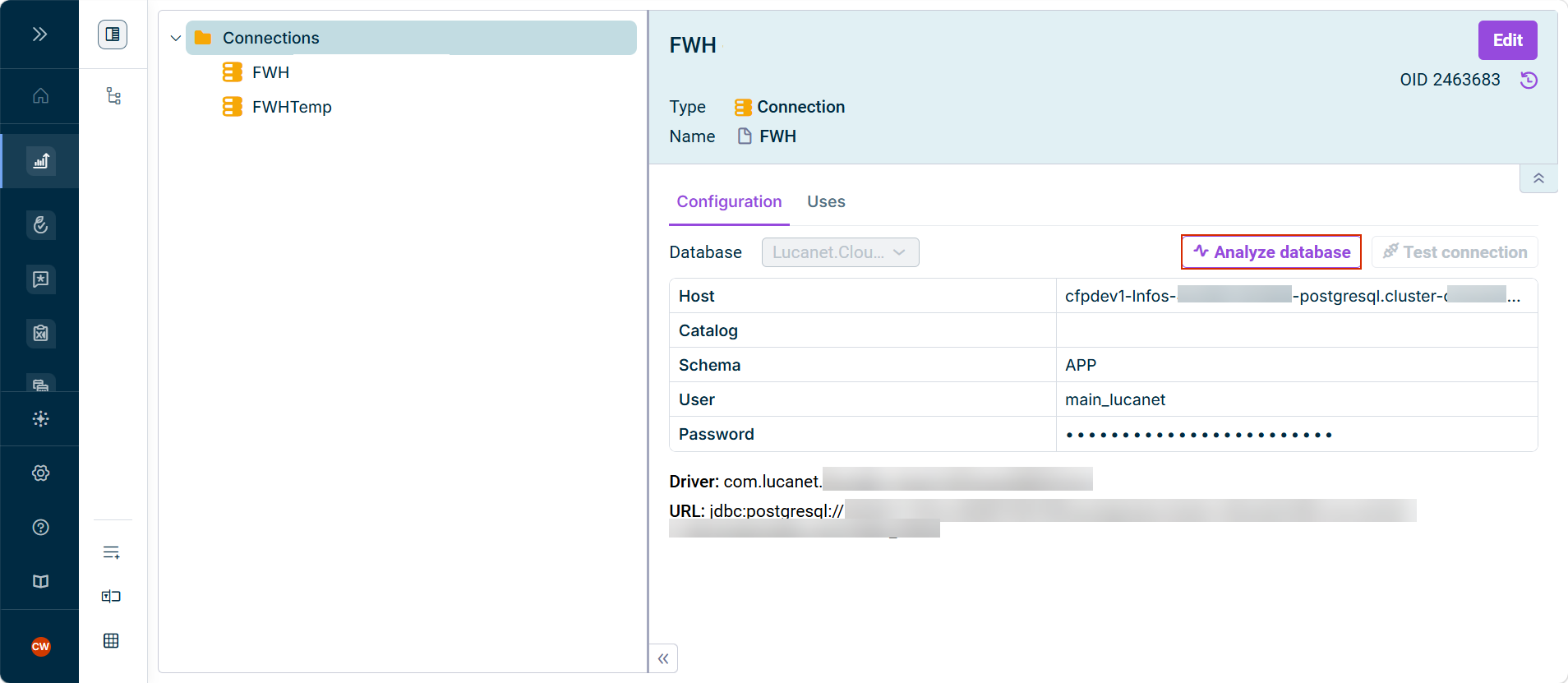
Element of type Connection Elements in Directory Structures Data source for importing data into Lucanet.Financial Warehouse, once for the temporary and once for the persistent Lucanet.Financial Warehouse (see Defining a Data Source Data source of type Lucanet.Financial Warehouse (#2068) Lucanet.Financial Warehouse (#2068)
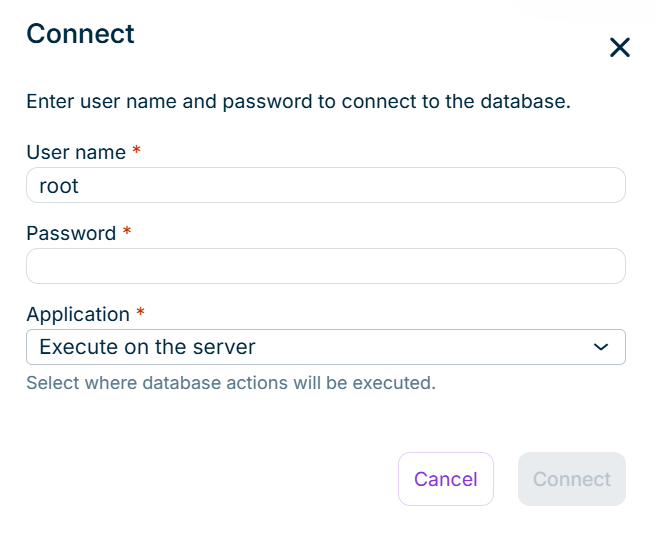
User name Password Application Execute on the server name of a Lucanet.Script Execution Application (SEA) Installing and Updating Lucanet.Script Execution Application
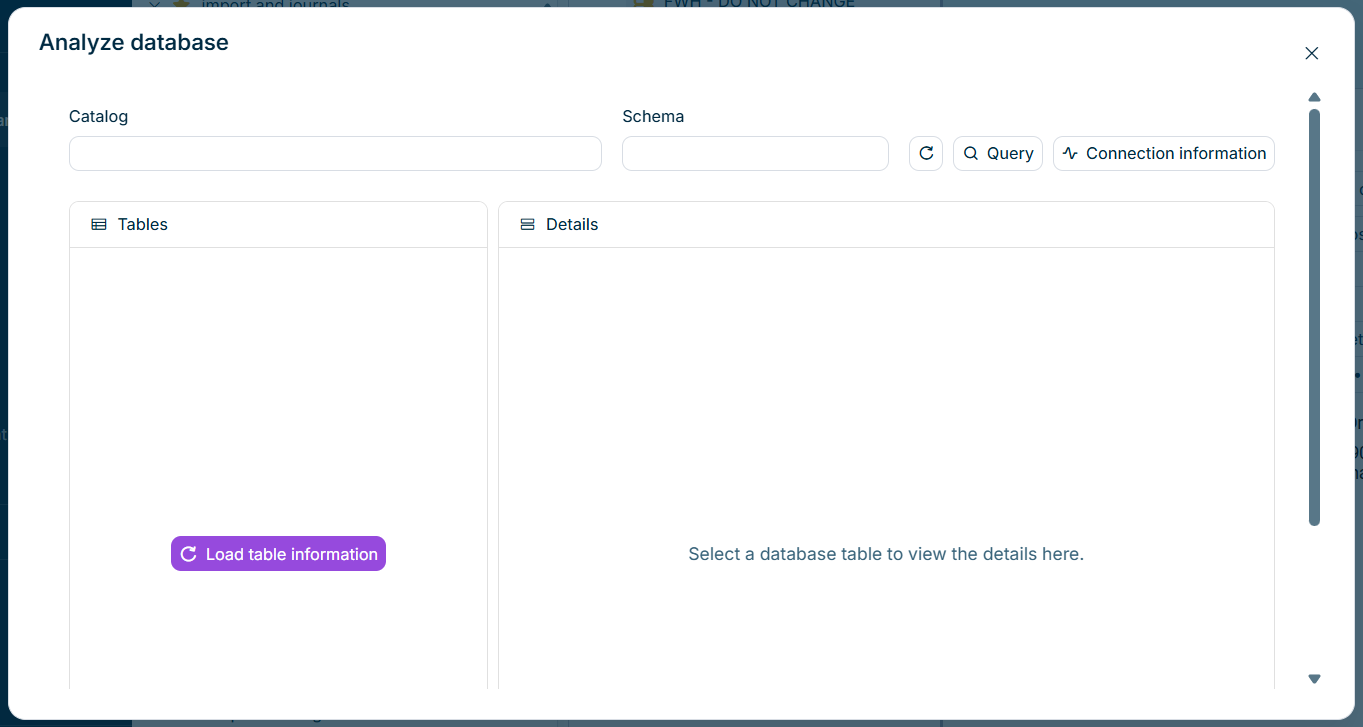
The catalog is taken from the connection, if a catalog is configured there, and can be changed. | |
A database can contain several schemas, for example one schema per Lucanet.Financial Warehouse. The schema is taken from the connection, if a schema is configured there, and can be changed. | |
If a comment is stored for a table in the database, a comment icon is displayed next to the table name. Catalogs and schemas that do not contain any tables are not displayed. If the database does not provide catalog information, the tables are grouped by schema only. If the database provides neither catalog nor schema information, the tables are displayed as a flat list. If the database does not contain any tables, the text No tables found
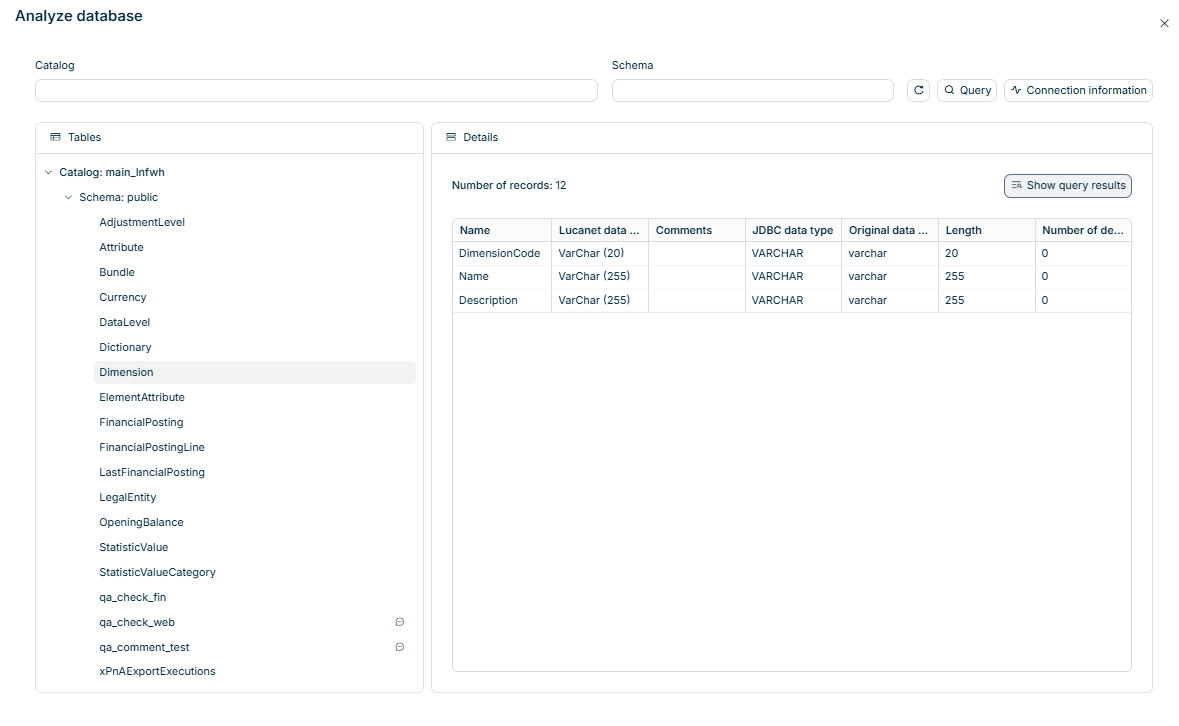
SELECT * FROM
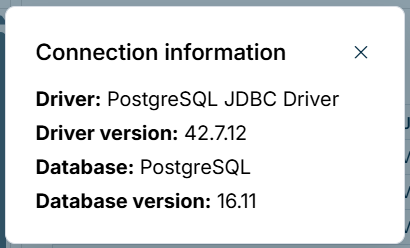
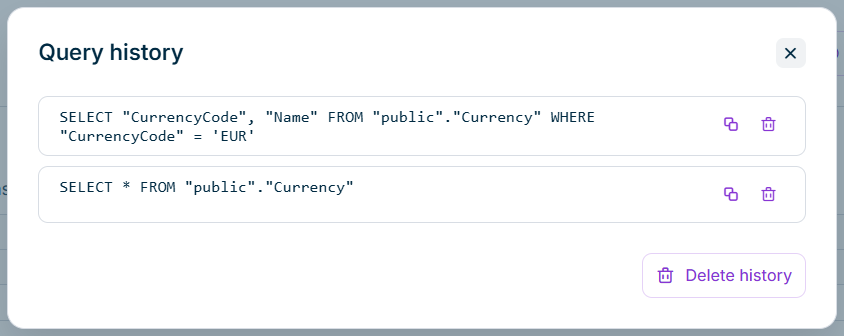
Click Query Analyze database Click Show query results Details SELECT * FROMViewing the Details of a Table
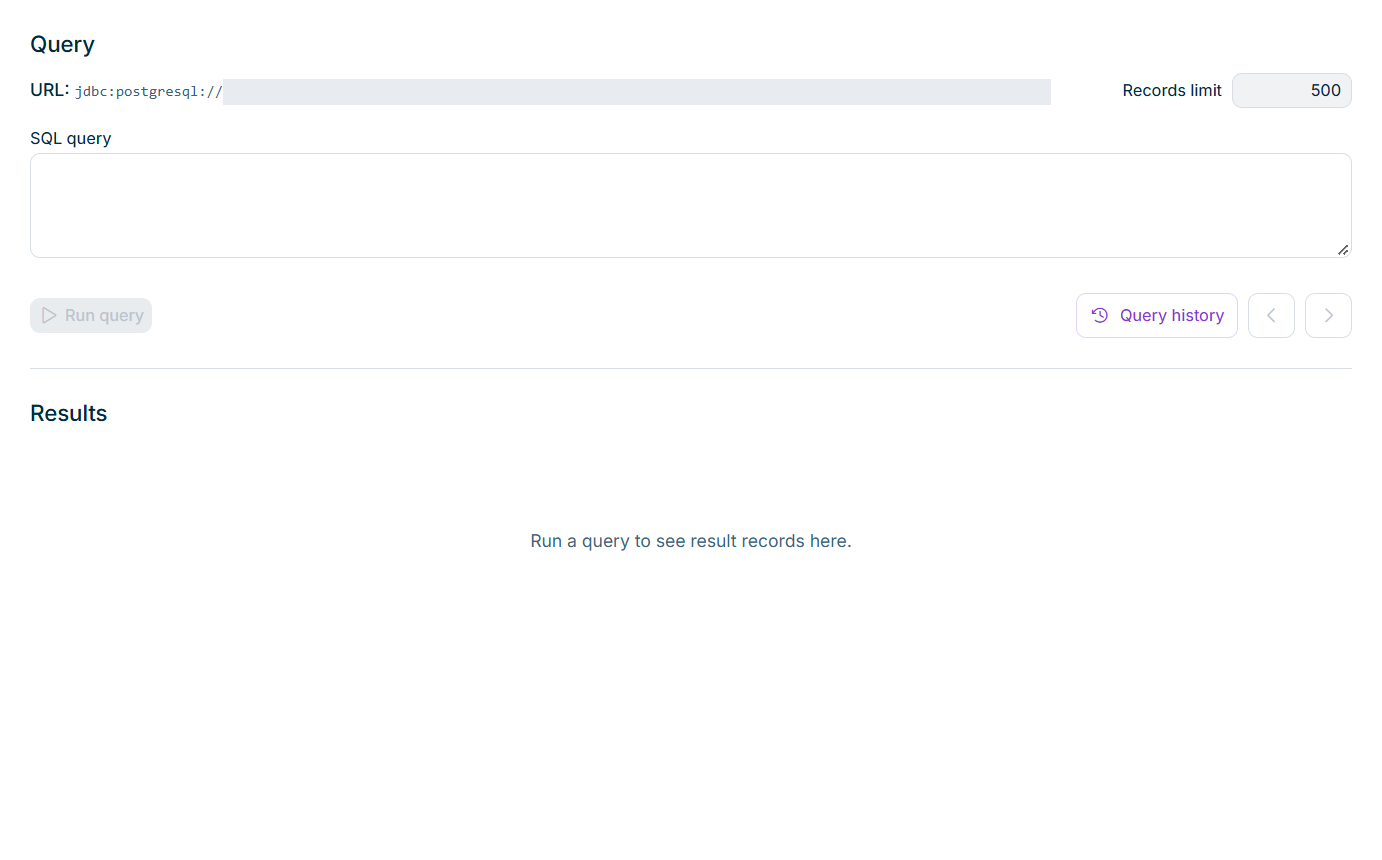
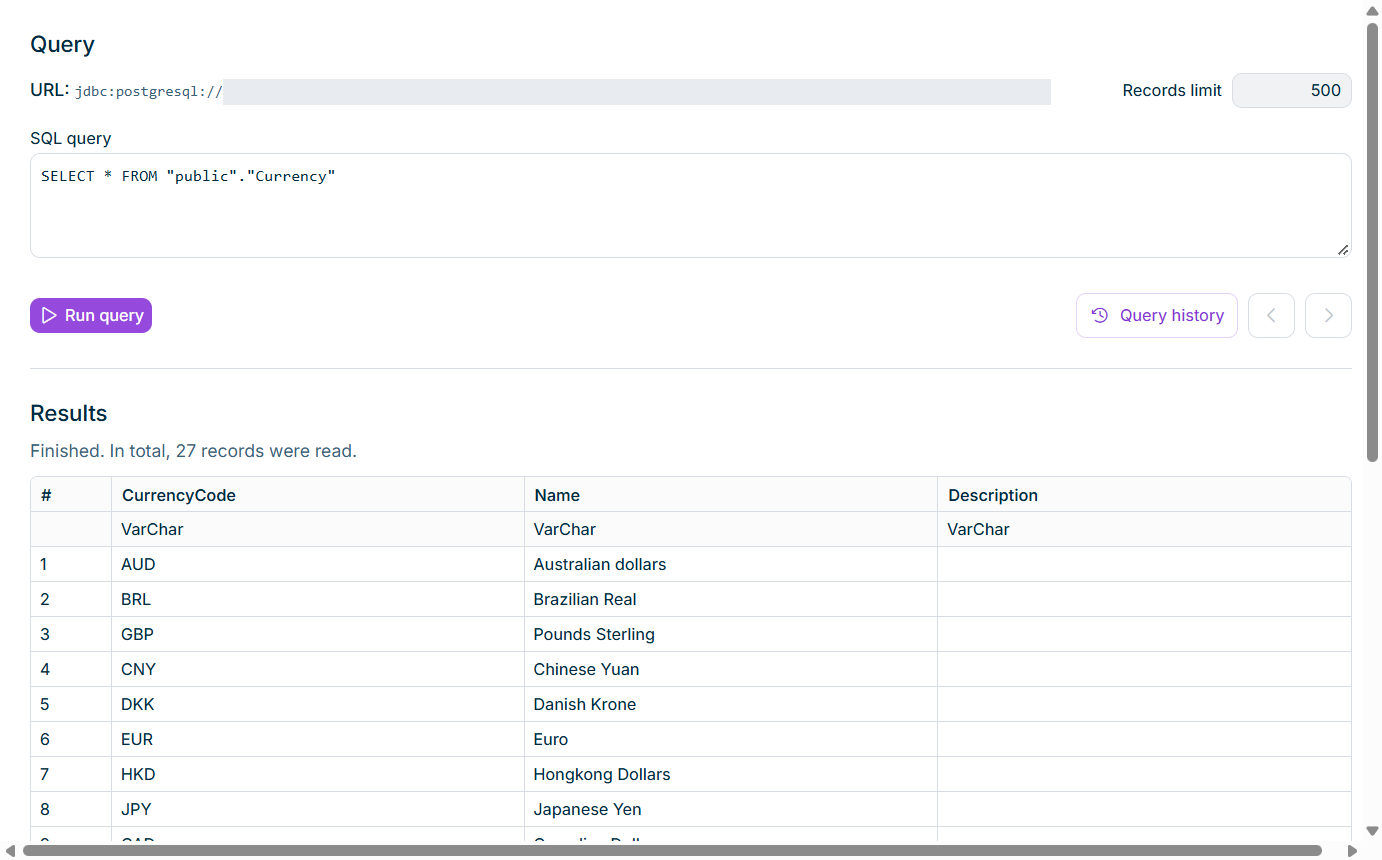
LIMITTOP
This content was generated using AI and reviewed by Lucanet subject matter experts before publication.