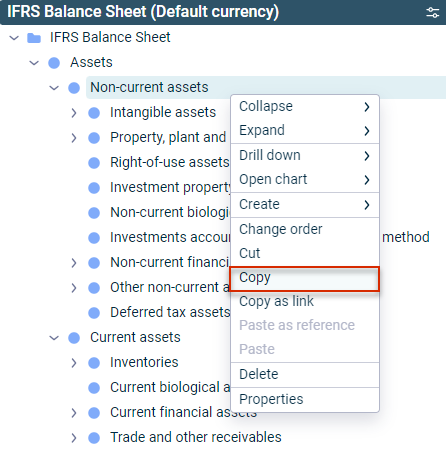
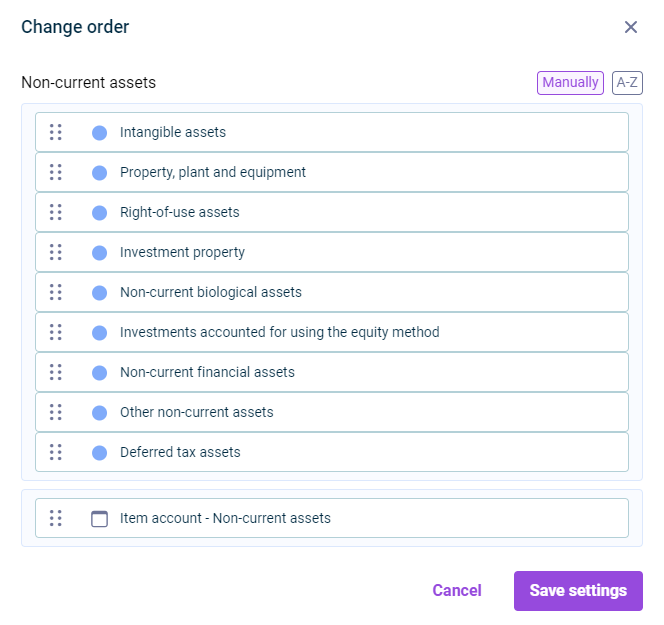
In Consolidation & Financial Planning, you can change the order of elements in the tree view using the context menu command Change order. You can sort elements alphabetically in the Change order dialog, or use drag-and-drop to sort them manually.
The Copy OID context menu command can be used to copy the OID of an element to the clipboard and then paste it, for example, in MS Word or MS Excel documents.
You can use the Properties context menu command to display the respective element properties and edit them, for example accounts and items can be configured (see Elements in Ledgers and Schedules).
This content was generated using AI and reviewed by Lucanet subject matter experts before publication.