
To lock specific dimensions, click the 
To lock all dimensions, click the three dots icon 
Lock all
To unlock specific dimensions, click the 
To lock all dimensions, click the three dots icon Lock all

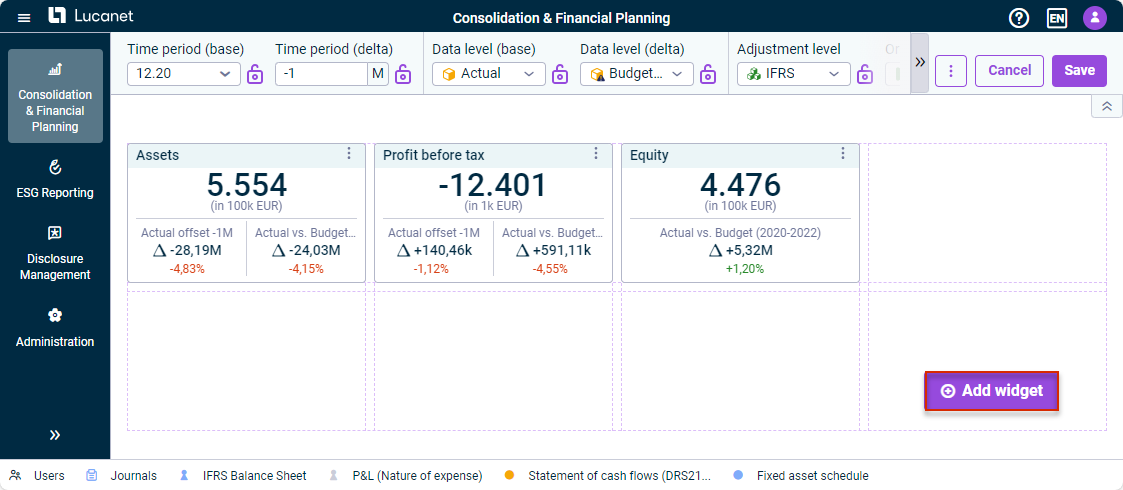
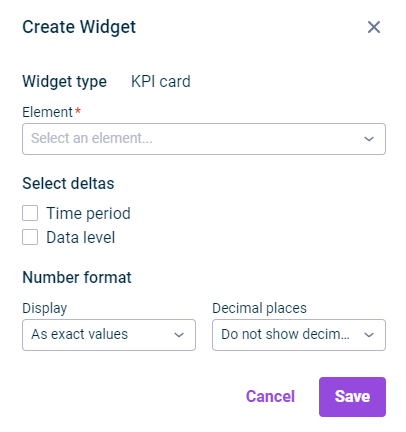
- - You can find out more about configuring the dimension bar in | |
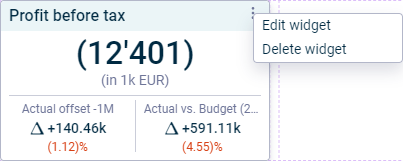
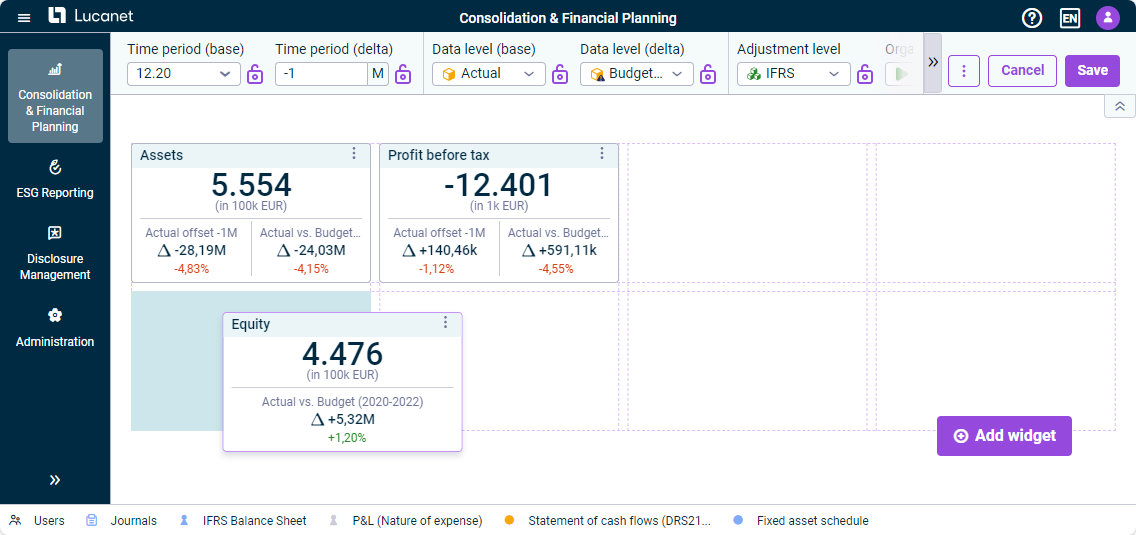
This content was generated using AI and reviewed by Lucanet subject matter experts before publication.
Last updated on May 1, 2026