Right-click the Consolidation dimensions Create | Consolidation dimension Select the group under which the consolidation dimension is to be created and click Create consolidation dimension
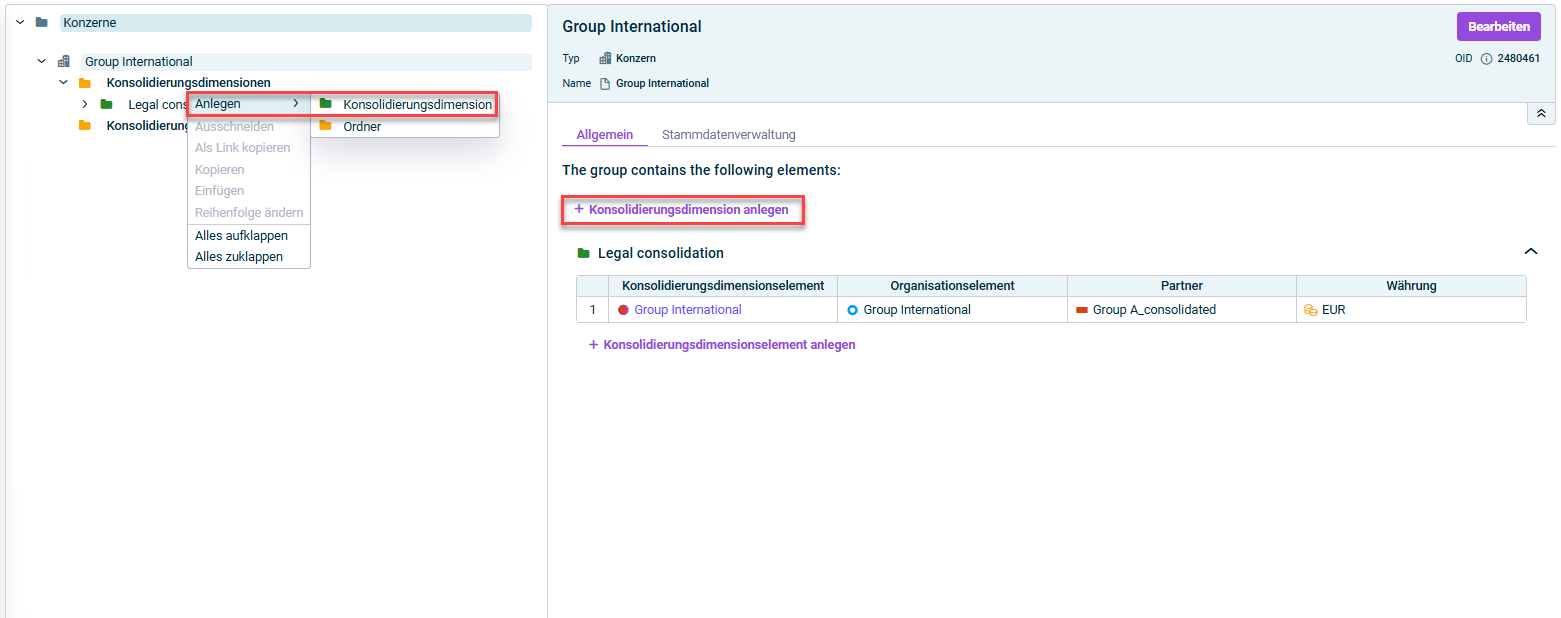
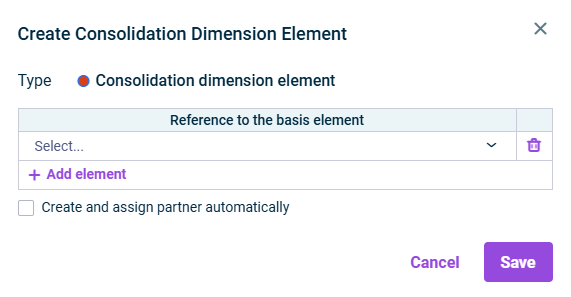
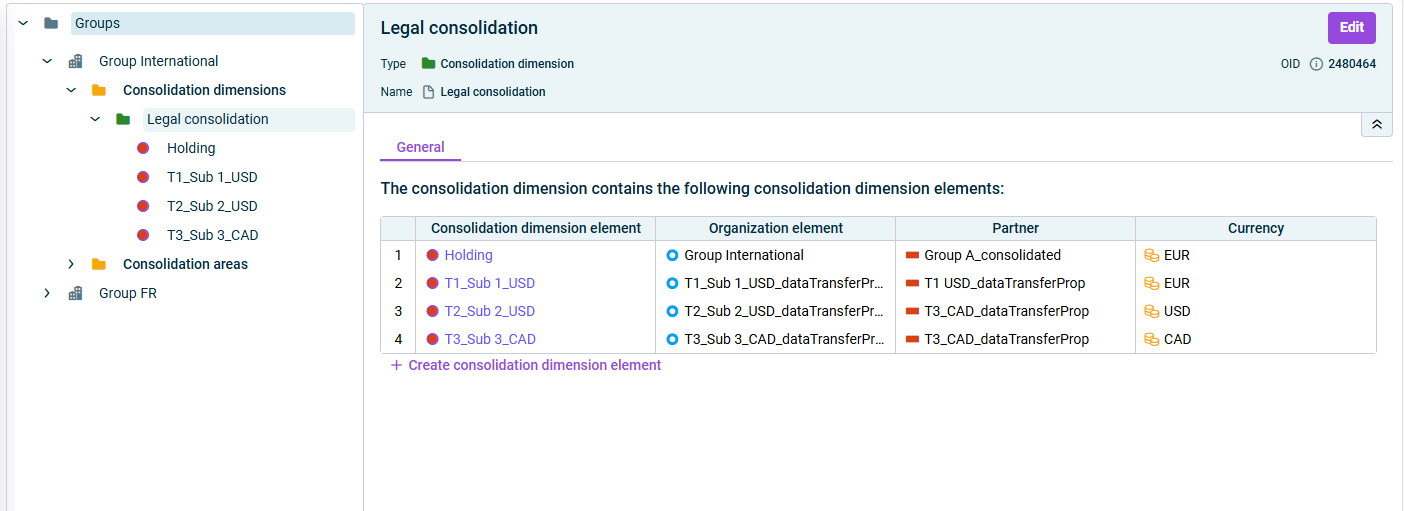
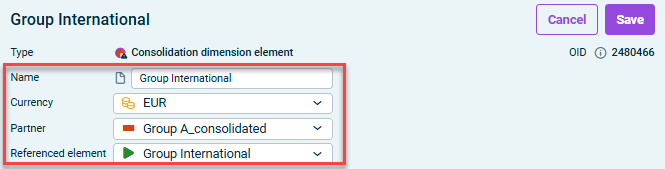
From the context menu, select Create | Consolidation dimension element In the detail view, click Create consolidation dimension element

This content was generated using AI and reviewed by Lucanet subject matter experts before publication.