Reference interest rates are market-based interest rates that serve as the basis for variable interest. Interest conditions use a reference interest rate as the calculation basis and add a premium or discount to it, for example a margin.
First create the reference interest rate and then the interest condition that builds on it.
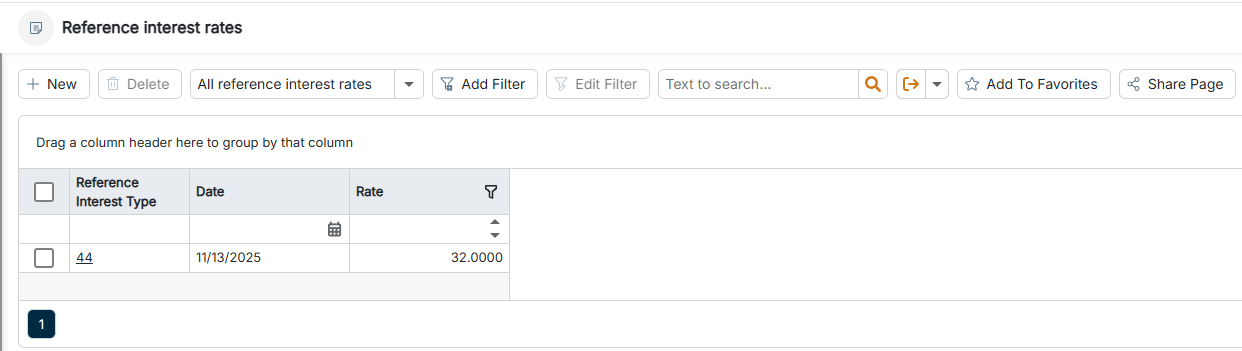
The Reference interest rates workspace can be found under Banking & Cash Management | Cash management | Reference interest rates and is displayed as follows, for example:
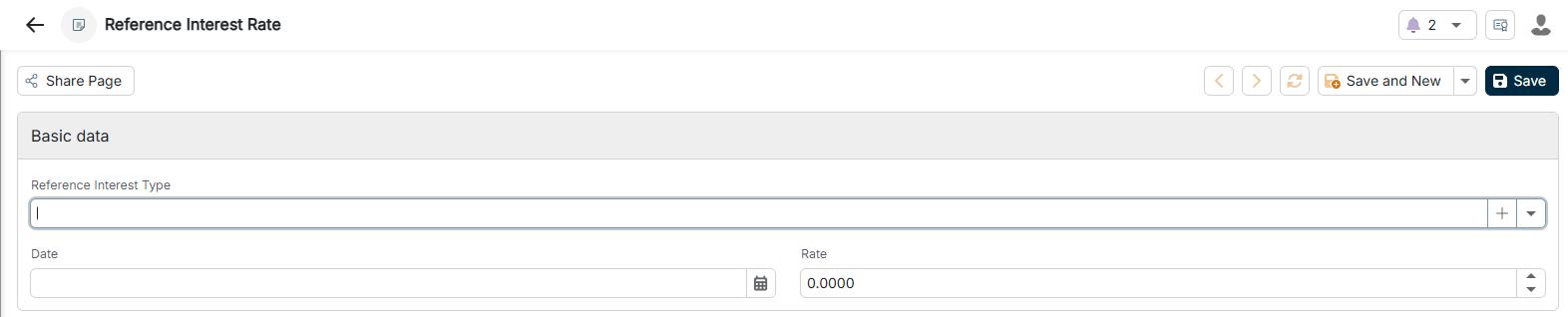
You can configure the following options for a reference interest rate:
Option
Description
Reference interest type
Reference interest type from the master data, for example EURIBOR. Serves for identification when used in interest conditions. You create new reference interest types via the Plus icon directly in the dialog.
Date
Key date on which this interest rate applies. Enables the historical tracking and staggering of reference interest rates over time.
Interest rate
Reference interest rate as a percentage on the specified key date, for example 2.5000 for 2.5%. Serves as the basis when calculating variable interest rates.
This content was generated using AI and reviewed by Lucanet subject matter experts before publication.