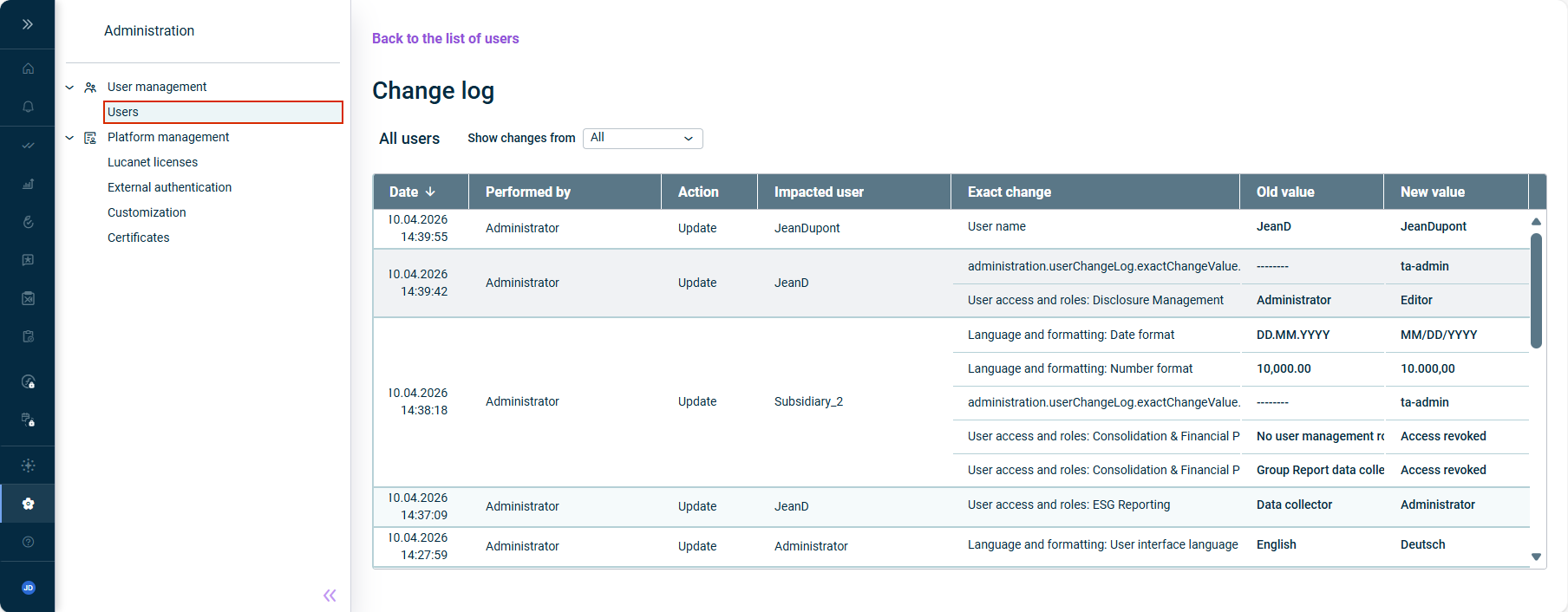
Click above the list of users to open the change log for all users. The general change log is displayed as follows, for example:General change log

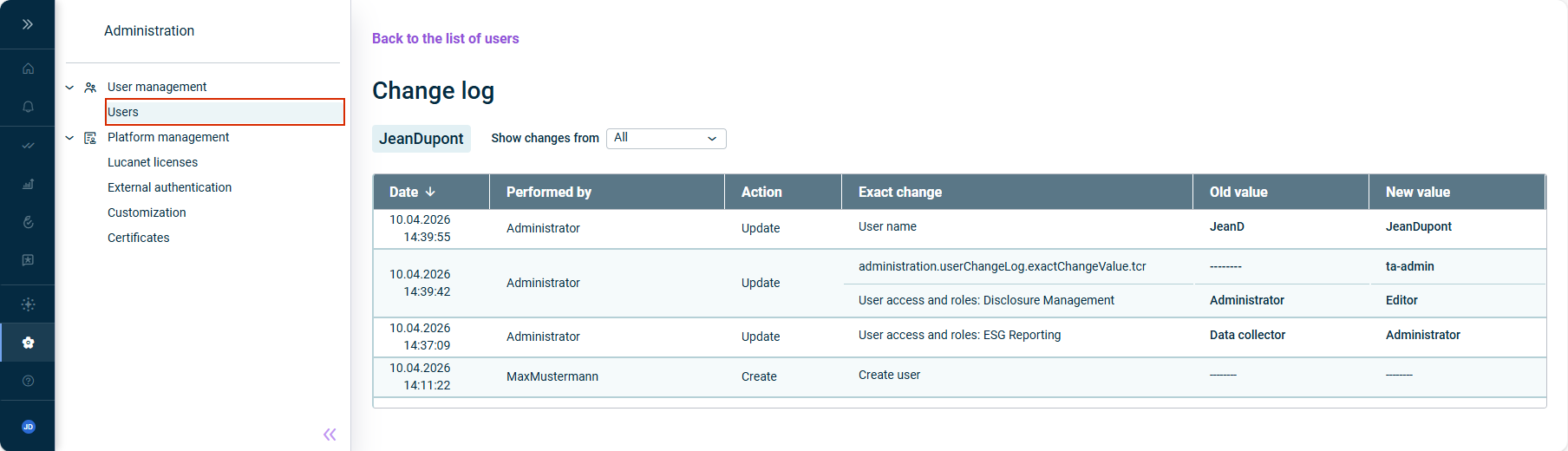
Click the icon in a row in the list of users to open the change log for that user. The change log for a single user is displayed as follows, for example:


![]()
![]()
in the ,Performed by ,Action , andImpacted user columns in the general change logExact change in the ,Performed by , andAction columns of a single user's change logExact change
Last updated on Aug 16, 2023