In the Customization workspace, you as an administrator can customize certain elements of the Lucanet CFO Solution Platform to match your corporate design. Currently, you can upload your company logo and configure it for use in e-mail templates.

To open the Customization workspace in the Lucanet CFO Solution Platform:

1

Click Administration in the main menu of the CFO Solution Platform.

2

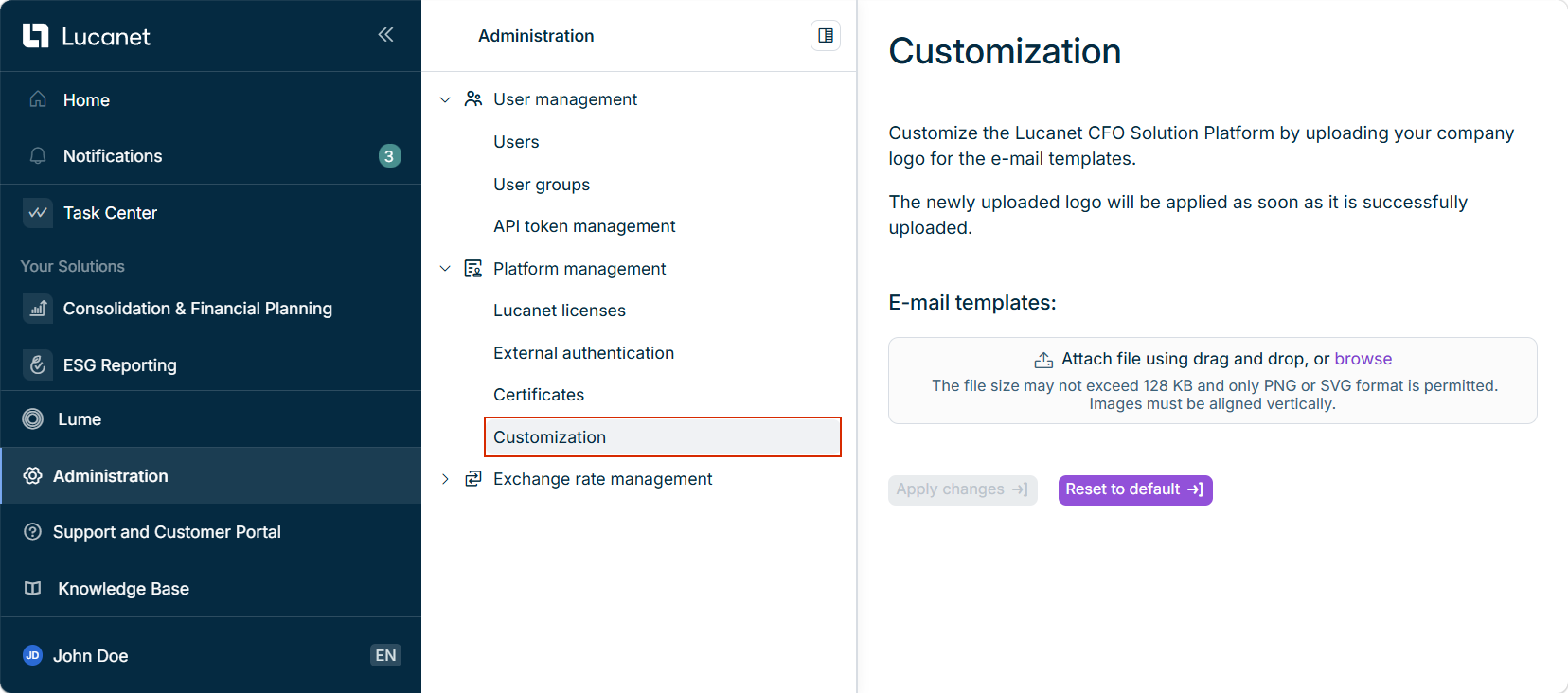
Open the Platform management area and click Customization. The Customization workspace is displayed as follows:

Shows the 'Customization' workspace in the Lucanet CFO Solution Platform with the 'E-mail templates' upload field and the 'Apply changes' and 'Reset to default' buttons. Highlighted in red is the 'Customization' entry under 'Platform management' in the 'Administration' menu.
Workspace 'Customization'

To upload and apply your company logo to e-mail templates in the Lucanet CFO Solution Platform:

1

Click browse or drag and drop the file into the appropriate field. Make sure the following requirements are met:

  • The file size must not exceed 128 KB.
  • Only PNG or SVG format is permitted.
  • Images must be vertically aligned.
2

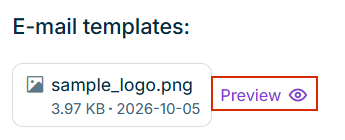
If necessary, click Preview to preview the logo after the file has been uploaded.

Shows the uploaded logo file 'sample_logo.png' with the 'Preview' option below 'E-mail templates' in the 'Customization' workspace in the Lucanet CFO Solution Platform. Highlighted in red is the 'Preview' option.
Show preview
3

Click Apply changes to apply the logo to the e-mail templates.

To replace or remove the uploaded company logo in the Lucanet CFO Solution Platform, hover the mouse over the uploaded file. The following two options are available:

OptionDescription
Replace iconReplaces the file with another file.
Delete iconRemoves the file. Once the file has been removed, the option to upload a file will be displayed again.

To remove all custom settings and return to the default configuration in the Lucanet CFO Solution Platform, click Reset to default in the Customization workspace.

This content was generated using AI and reviewed by Lucanet subject matter experts before publication.