This chapter describes how to open Tax Services and set the working context (reference date and unit) that controls all further actions in the module.

User accounts and roles are NOT created and managed directly in Tax Services.

Only administrators with access to the Tax Administration | Roles functional area can edit or configure existing users.

There, you can define which people can access Tax Services and which actions they are allowed to perform.

To open Tax Services, the following requirements apply:

  • An active user account on the Lucanet CFO Solution Platform
  • Assigned permissions for Tax Services via Tax Administration
  • A current web browser (such as Google Chrome, Mozilla Firefox, Microsoft Edge, or Safari)
To open the Tax Services module:

1

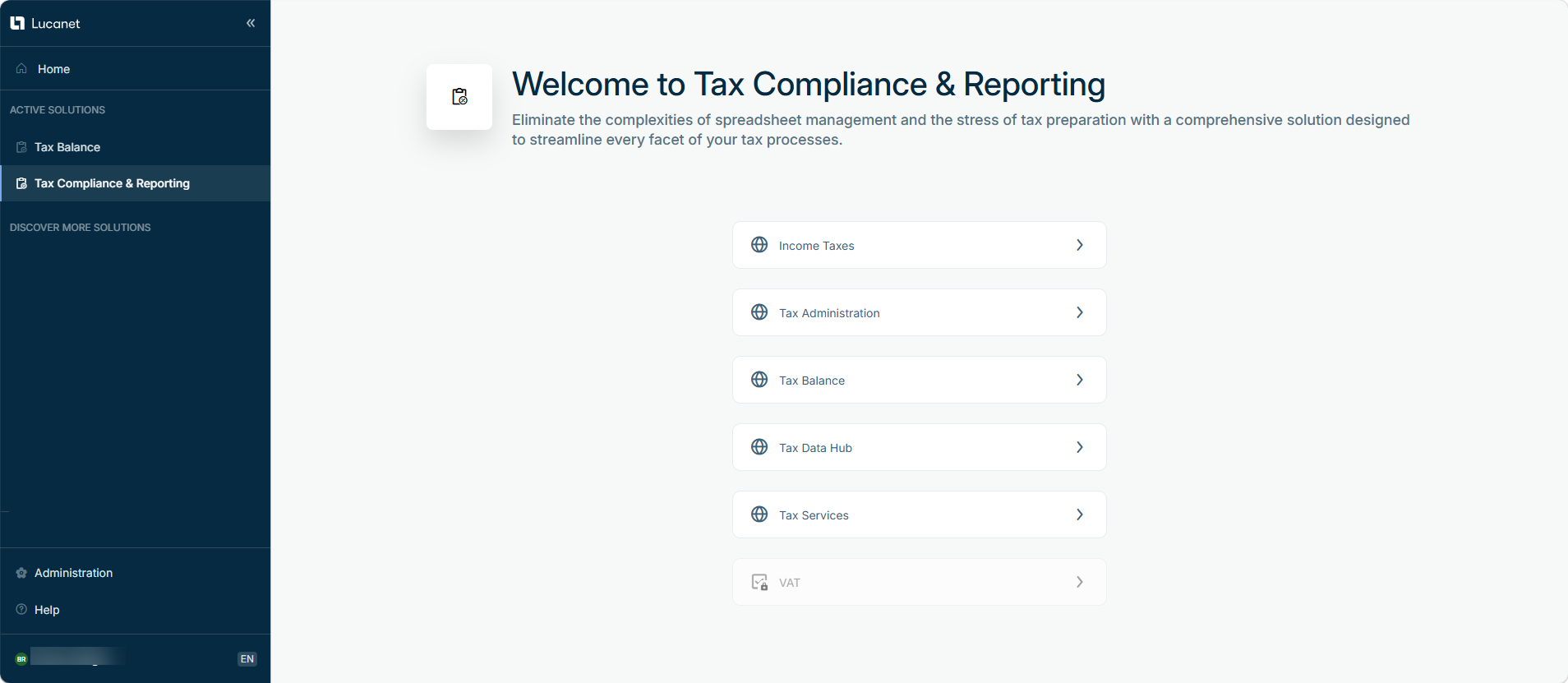
Open the Tax Compliance & Reporting solution on the Lucanet CFO Solution Platform.

2

On the start page, select the Tax Services module.

This is the 'Tax Compliance & Reporting' landing page
'Tax Compliance & Reporting' landing page
3

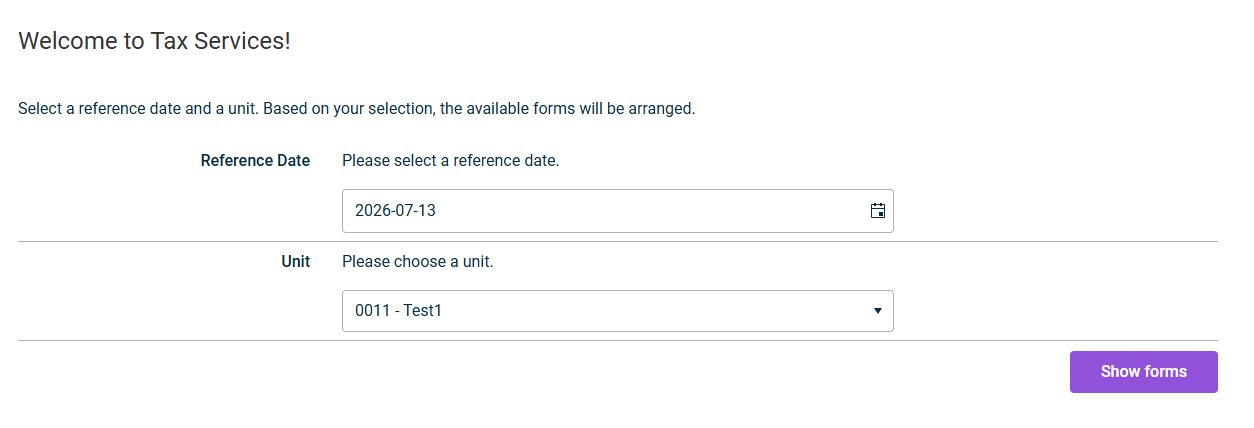
The Welcome to Tax Services! start page opens.

This is the 'Tax Services' start page.
'Tax Services' start page

On the Tax Services start page, set the working context for all further actions:

1

In the Reference Date field, select the date to which your tax forms refer.

This is the 'Tax Services' start page.
'Tax Services' start page
2

In the Unit field, select the desired unit for which you want to manage forms.

The units available for selection come from the master data in Tax Administration. Tax Services itself does not manage any unit master data.

3

Click Show forms.

The form list is then updated according to your selected context.

If no master data is found for the selected unit, the system displays a corresponding message. In this case, check the master data in Tax Administration.

You can change the working context at any time by selecting a new Reference Date or a different Unit on the start page and clicking Show forms again.

Important: When you switch the unit, the form list is reloaded. Any unsaved changes in an open form will be lost.