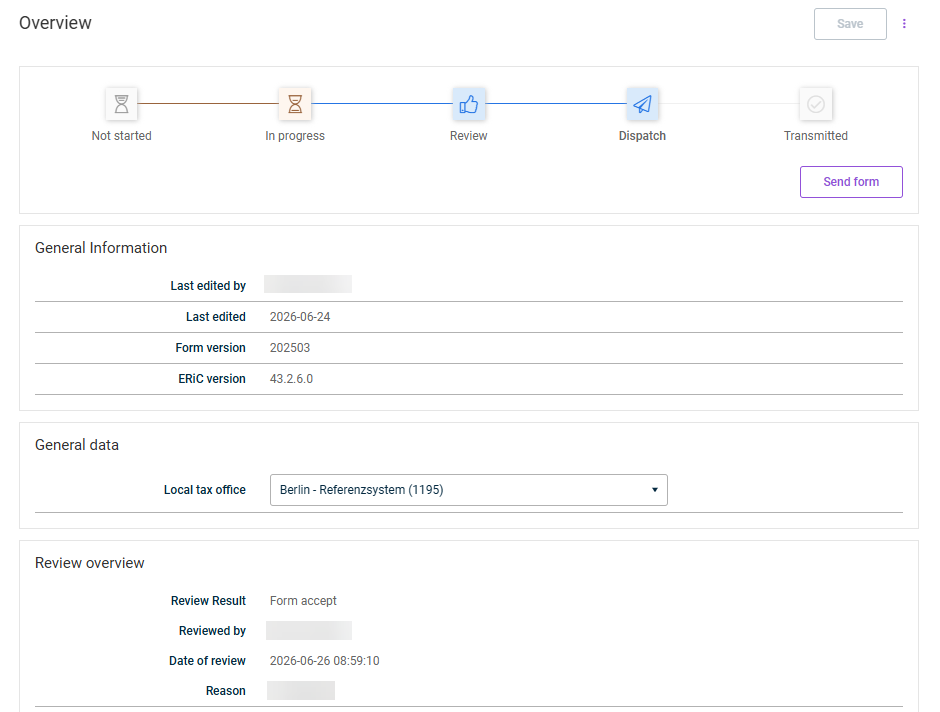
In addition to the form data, the form overview shows additional information: general data, the current processing step, the local tax office assignment, and the transmission status.

1

Open the form.

2

In the navigation, select Overview.

The form overview with general information, processing step, and review overview.
Form overview

The following information is displayed in the form overview:

Current processing step with process bar

General Information

  • Last edited by
  • Form version
  • ERiC version

General data

  • Local tax office

Review overview

  • Name of the reviewer
  • Date of the review
  • Review result
  • Reason (if provided)

The review overview is only displayed from the Dispatch processing step onward.

Last updated on Aug 24, 2023