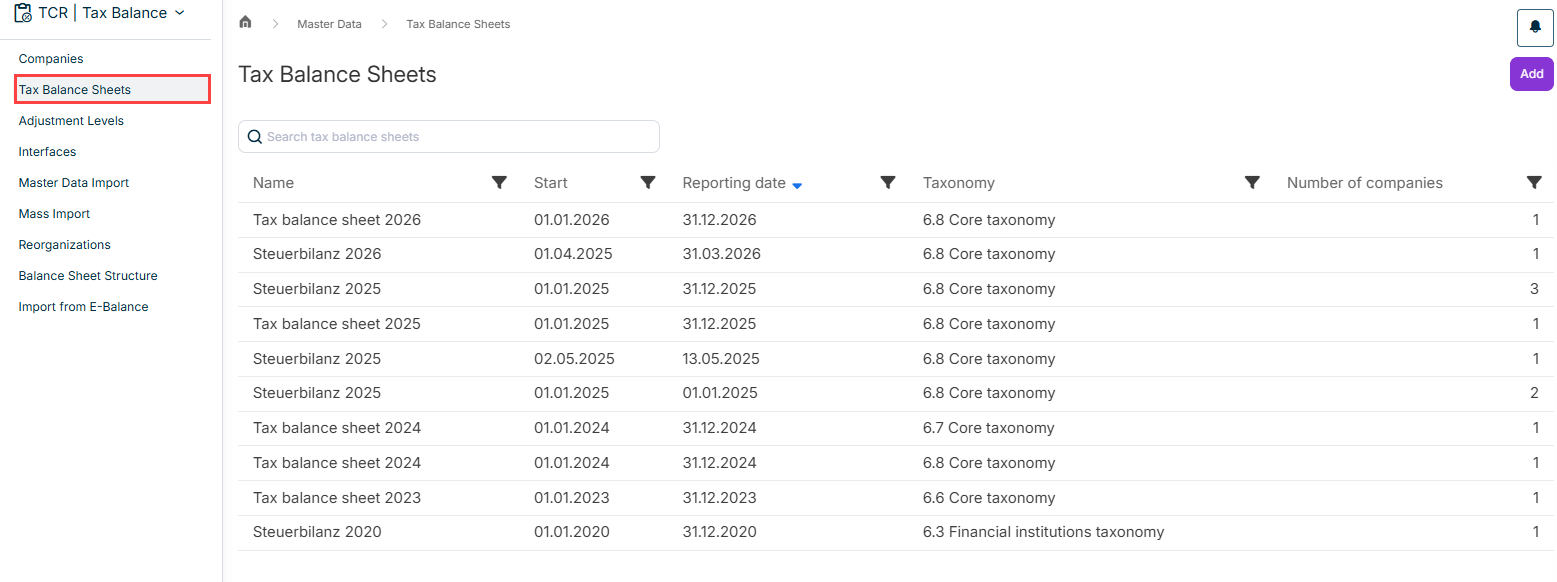
In the Tax Balance Sheets workspace in Tax Balance, you can create your tax balance sheets and assign them to the companies for which the tax balance sheet is to be used.
Furthermore, in this step you choose the taxonomy type and taxonomy version to be used for the tax balance sheet.
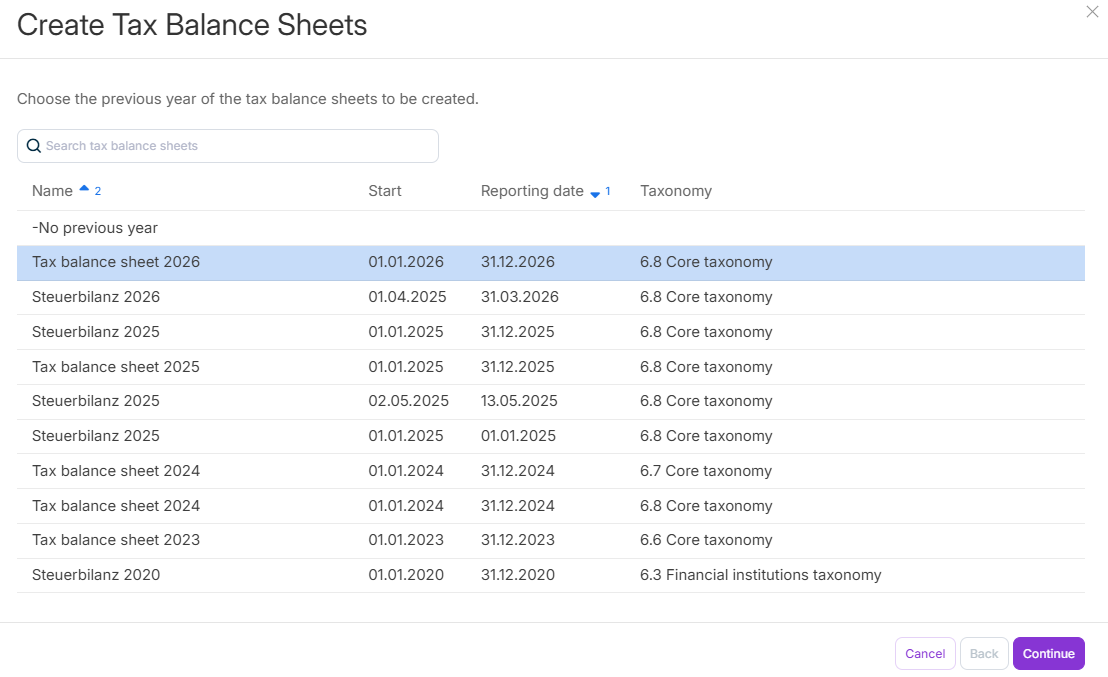
To create a tax balance sheet in Tax Balance, click Add in the Tax Balance Sheets workspace and then configure the steps of the Create Tax Balance Sheets dialog as follows:
In step 2 of the Create Tax Balance Sheets dialog in Tax Balance, configure the following:
Balance sheet start - is transferred to the e-balance sheet
Balance sheet date - is transmitted to the e-balance sheet and determines which taxonomy version may be used
Indication of whether the tax balance sheet should be marked as an interim financial statement. As a result, the tax balance sheet is displayed in a special way in some views.