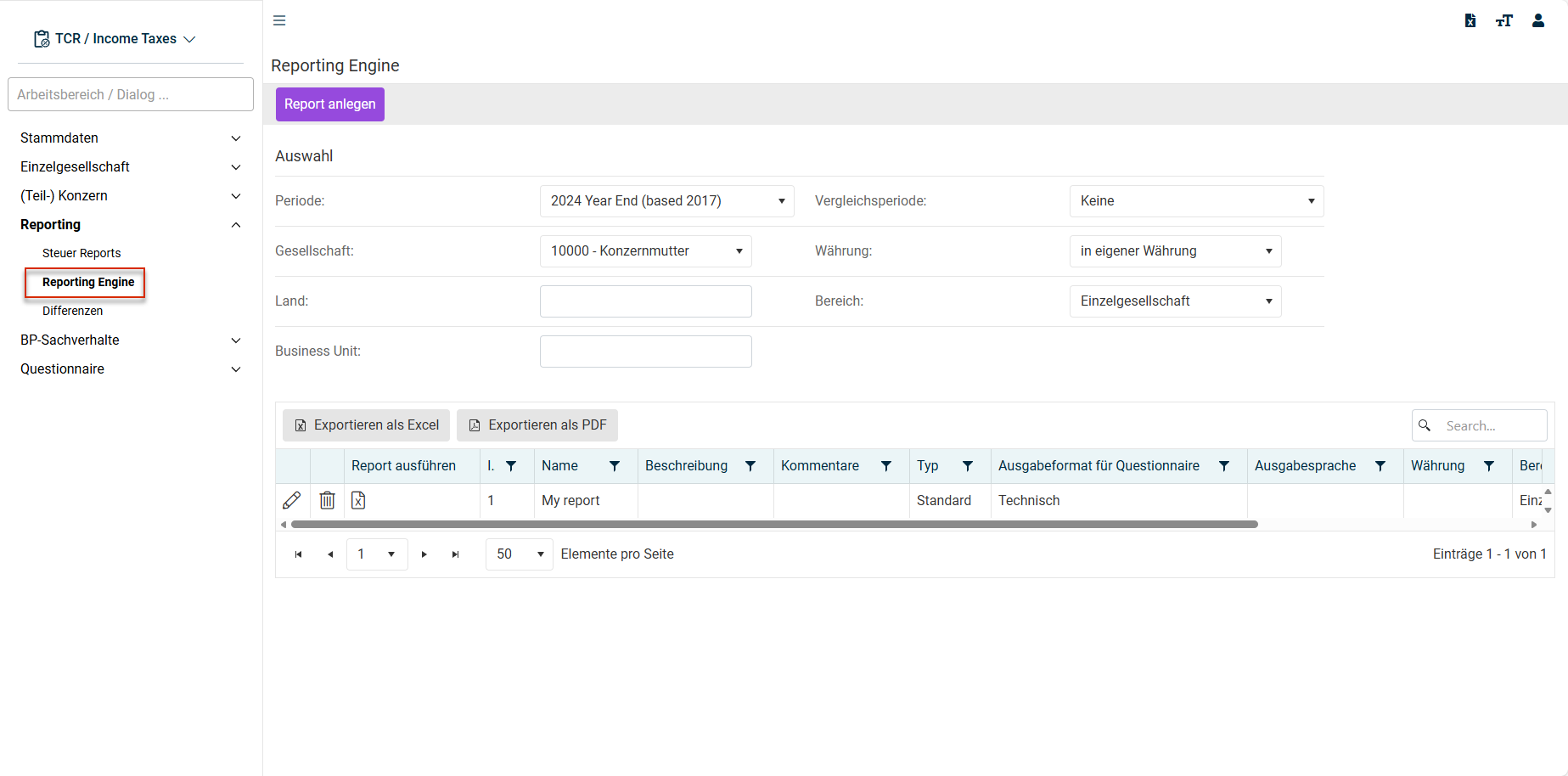
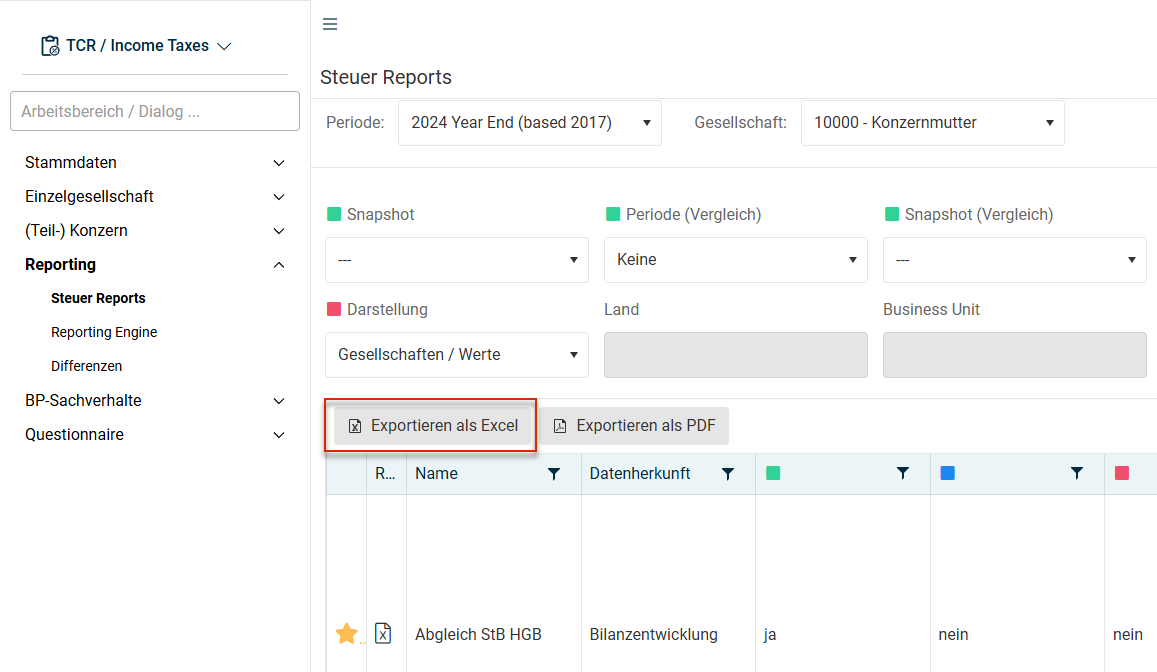
Reading existing standard reports from the Tax Reports Creating a Template Based on Standard Reports Reading database contents using SQL queries ( Creating a Template Based on SQL Statements
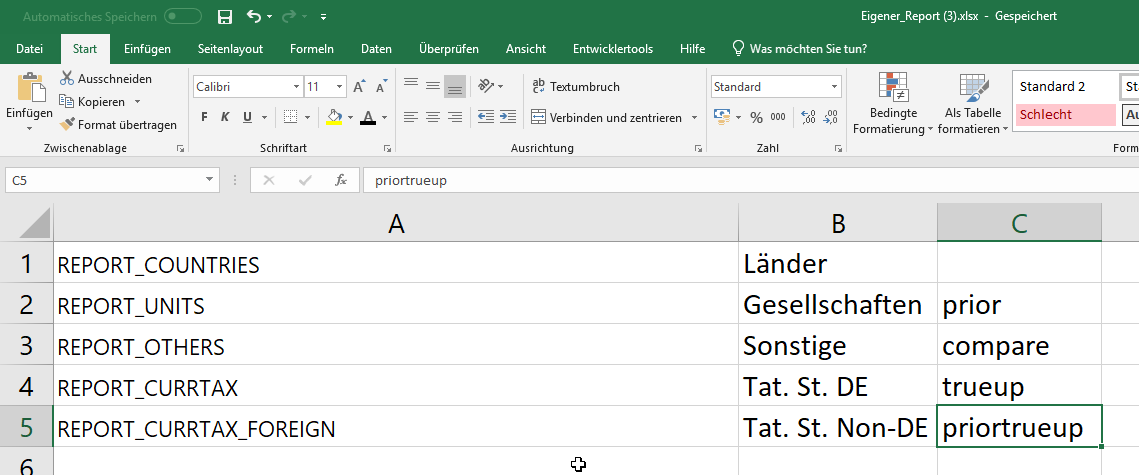
<empty> PRIOR COMPARE TRUEUP PRIORTRUEUP
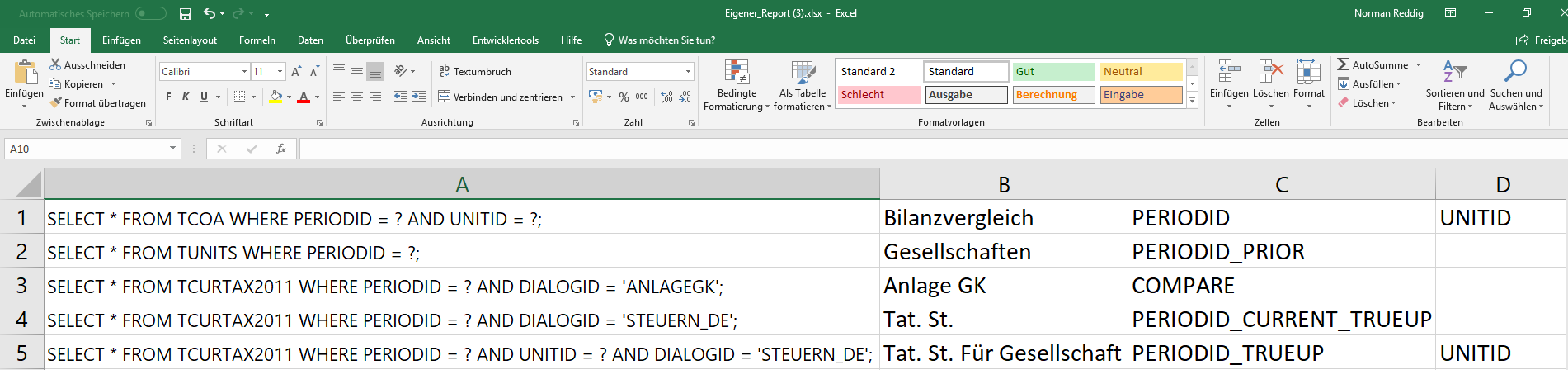
PERIODID PERIODID_PRIOR COMPARE PERIODID_CURRENT_TRUEUP PERIODID_TRUEUP UNITID
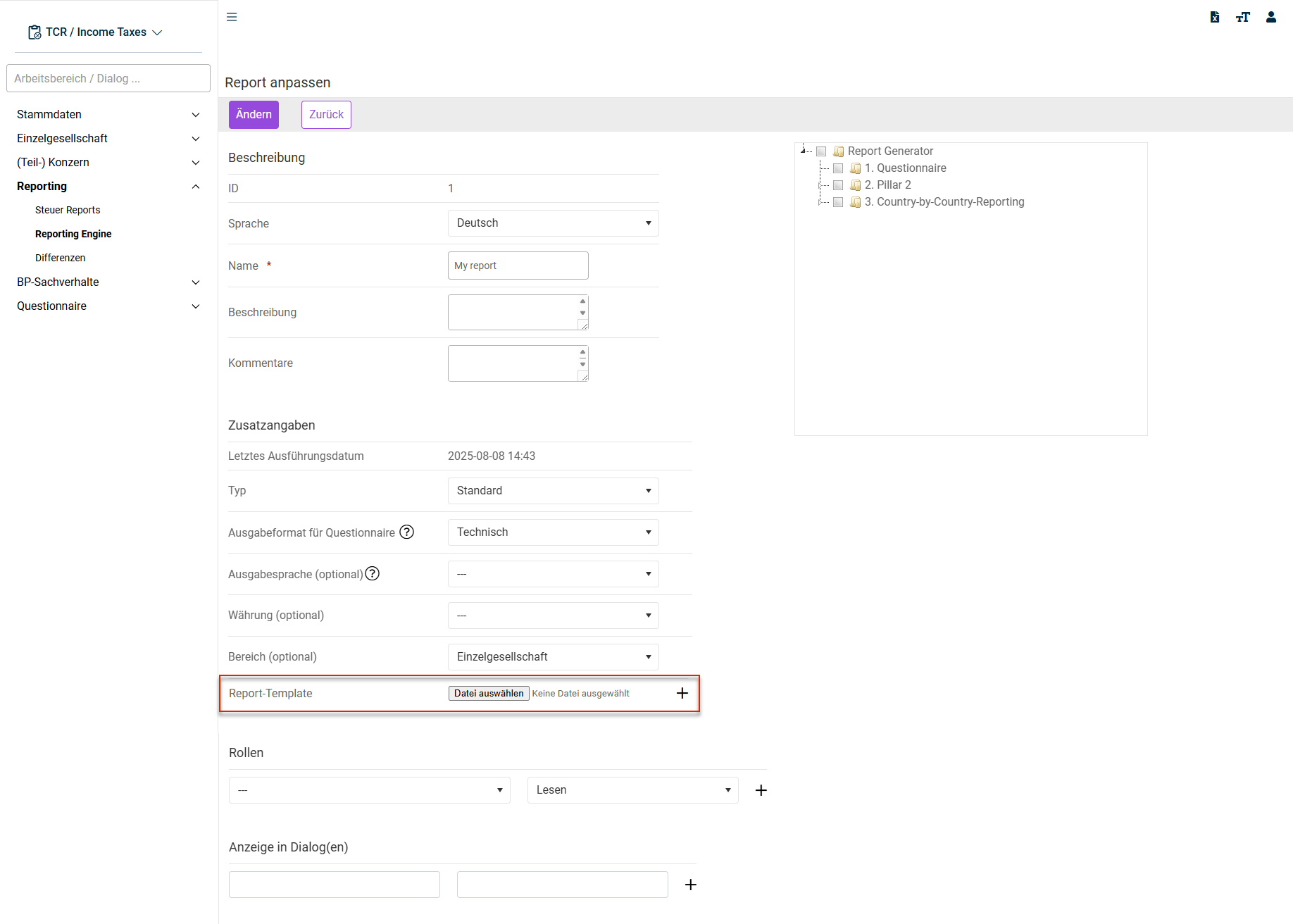
Default Individual Export
If no role all If the report is to be allowed to be read only by specific roles (including the right to execute the report), the read permission If the report is intended to be allowed to be edited only by specific roles, the write permission
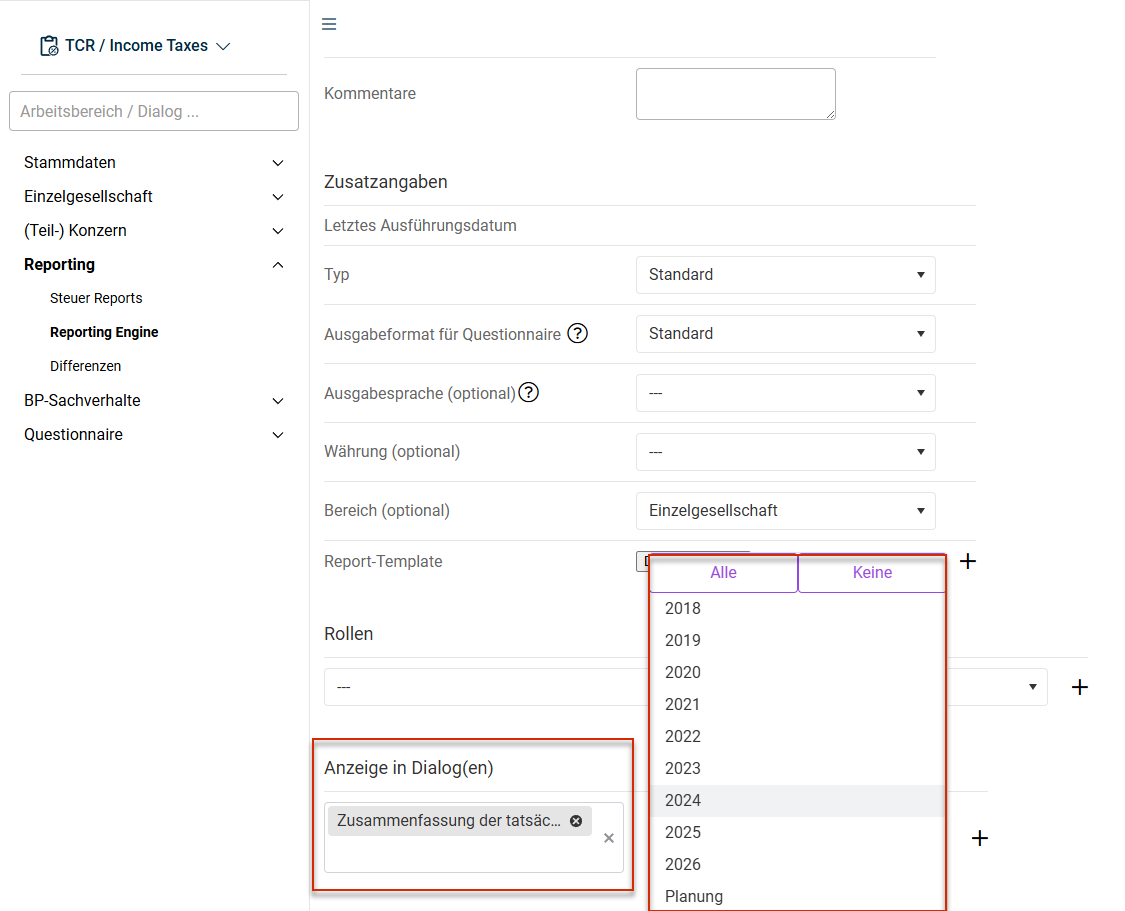

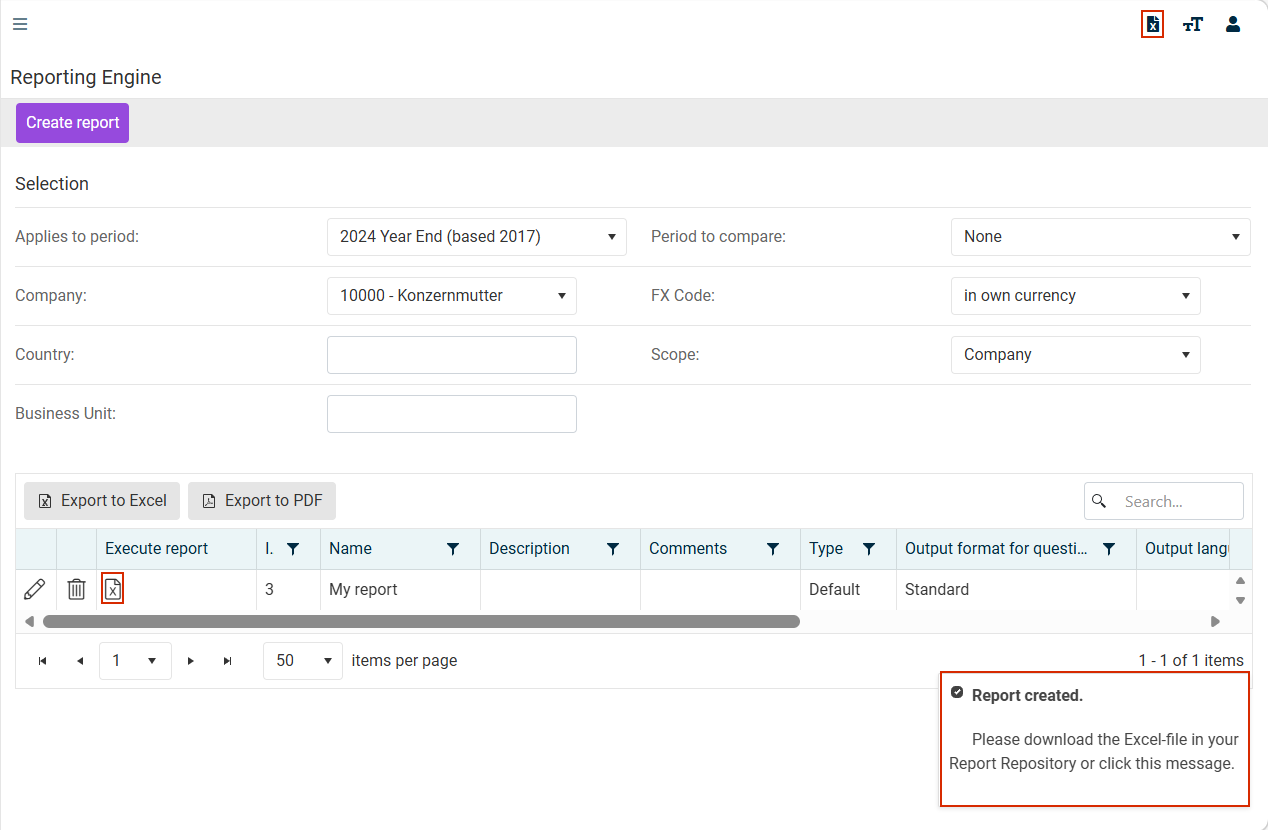
Reports are assigned to the workspace in the current period. You have the permissions required to execute reports.
Direktes Ausführen (Direct execution) Current period aktuelle Gesellschaft (Current company) Ausführen mit zusätzlichen Parametern (Execution with additional parameters) Weitere Reports (More reports) Reporting Engine

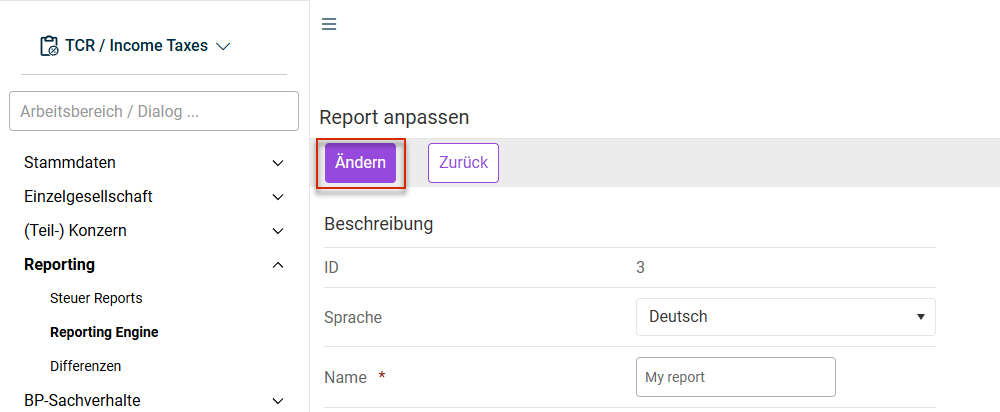
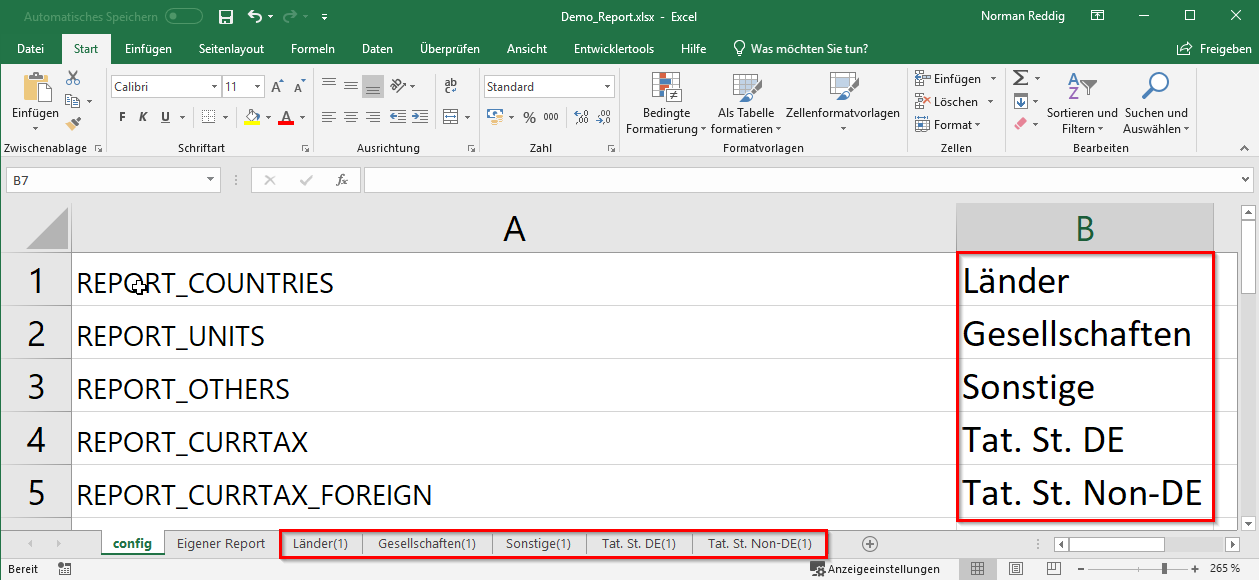

When selecting reports, make sure that reports from different period types are not mixed. For example, reports from planning periods cannot be used in Closing v3 The more extensive (number of analyses, formulas, companies, ...) your custom report is, the longer the execution of the report will take. When using parameters such as Period to compare FX Code Scope
This content was generated using AI and reviewed by Lucanet subject matter experts before publication.