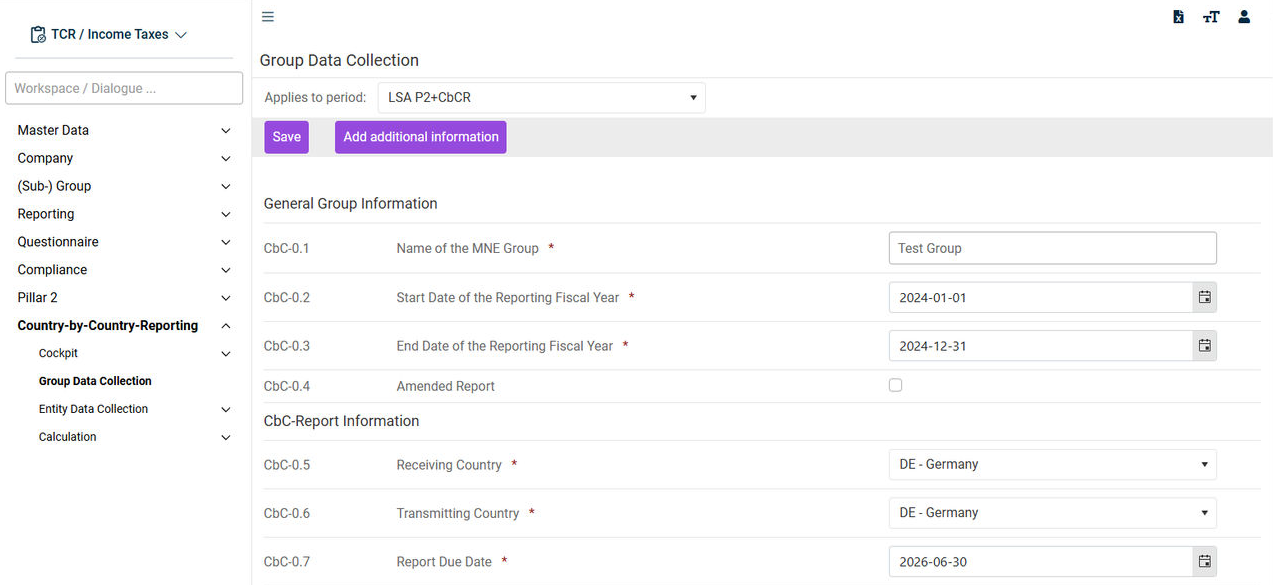
: Table 1 provides detailed insights at the jurisdiction level, while Table 2 offers a clear breakdown by constituent entities (CEs).Overview of jurisdictions and entities with CbCR-relevant key figures : Users can add customer-specific supplementary information for each jurisdiction — or combination of jurisdictions — for any item in the CbC report. Comments can be provided in multiple languages to ensure clear communication in key languages. All additional information is seamlessly integrated and displayed as Table 3 in the CbC report, providing the tax authorities with a more complete and transparent overview.Adding additional information : It is possible to create Excel files containing all the information from the Tables 1, 2 and 3.Excel reports : The integration between the CbCR and Pillar 2 sub-modules simplifies the process by enabling the data required for the Safe Harbour Check to be imported directly from the CbCR sub-module into theIntegration of and CbCR for the Pillar 2 Safe Harbour CheckPillar 2 sub-module.Pillar 2 : CbCR simplifies country-by-country reporting by providing a direct DIP interface (DIP = digital inbox) to the Federal Central Tax Office (BZSt).Reporting : CbCR ensures the accuracy and reliability of your CbC reports through comprehensive validations at every stage. From input data to calculation results to the final XML output, the sub-module performs rigorous checks to identify inconsistencies and errors early in the process. Users can create a complete XML report and have it validated as well as download an XML source file with all metadata.XML validations and creation of XML reports
Last updated on Aug 16, 2023