You can use partner groups to group partners hierarchically. In the event of a value query of a partner group, the aggregated value of all partners is displayed.
To create a partner group:
Right-click the Partners root folder, another partner group, a folder, or an individual partner.
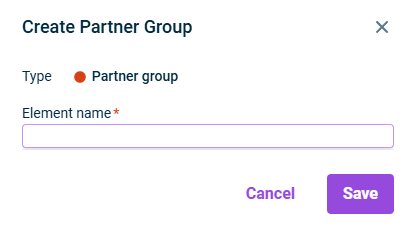
Choose Create | Partner group from the context menu.The Create Partner Group dialog is displayed:
Specify the name of the element.
Click Save.
After creating a partner group, you can configure it and change the name of the partner group.
This content was generated using AI and reviewed by Lucanet subject matter experts before publication.
KB7603340
Last updated on May 1, 2026