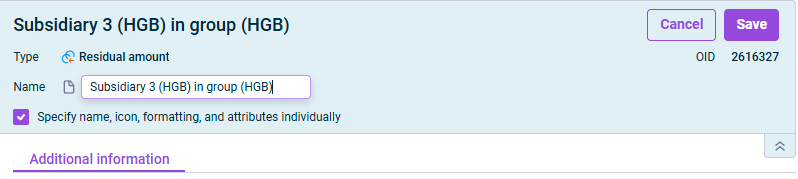
In Consolidation & Financial Planning (CFP), residual amounts are created automatically in the Organization elements workspace when displaying a group by levels using nested consolidation areas. Residual amounts can correct possible multiple recordings of consolidation units. One residual amount is created per consolidation unit which was recorded several times, containing the reference to consolidation unit and the associated reference to consolidation unit cancellation. Residual amounts cannot be deleted.
Click Edit at the top right to open the editing mode.
3
Activate the check box Specify name, icon, formatting, and attributes individually if you wish to define these properties individually for the residual amount and not adopt them from the referenced consolidation unit.
4
Click Save.
This content was generated using AI and reviewed by Lucanet subject matter experts before publication.