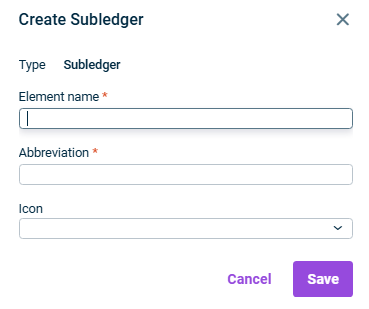
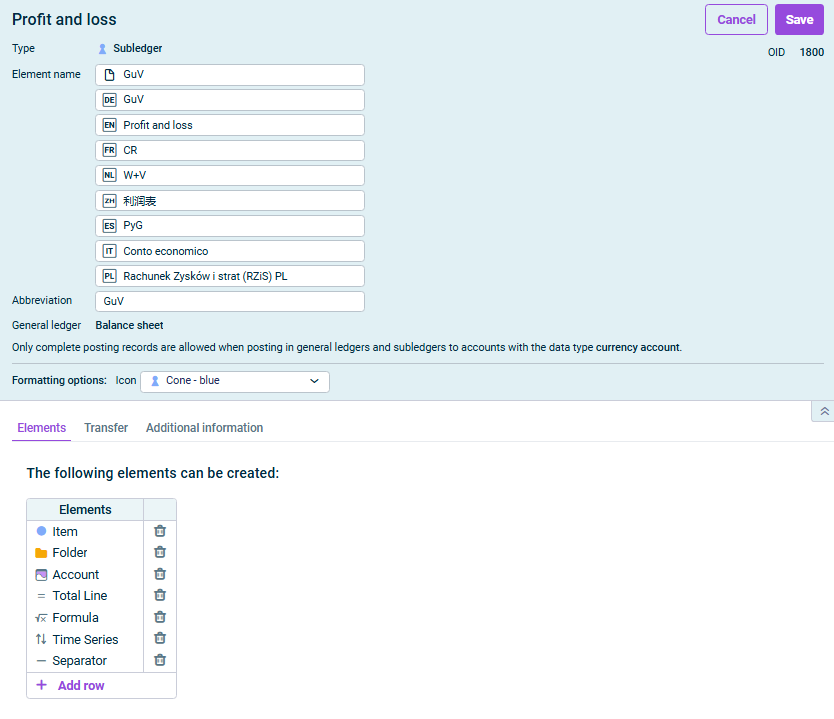
To delete elements from the Elements 
To add elements to the Elements + Add row Folders
If references are permitted as elements: If necessary, activate the Restrict the origin of references + Add
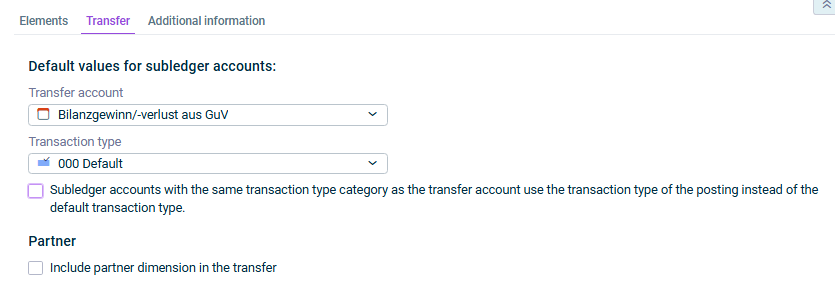
You can only select transaction types that belong to the transaction type category of the transfer account. The specified transaction type can be changed for each account at a later time. | |
This specification applies only to subledger accounts with the same transaction type category as the transfer account. | |
This content was generated using AI and reviewed by Lucanet subject matter experts before publication.
Last updated on May 1, 2026