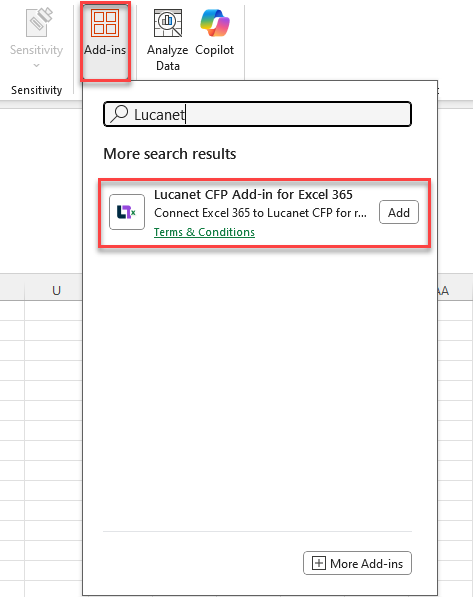

To be able to work with the CFP Add-in for Excel 365, you first need to install the add-in in MS Excel. After having successfully installed the add-in, you can connect the add-in to your Lucanet database.
The Lucanet CFP Add-in for Excel can only be used with the Consolidation & Financial Planning solution in the Lucanet CFO Solution Platform.
The add-in cannot be used with Lucanet.Financial Client.
If you do not have access to the Excel Add-In Store due to your company's security settings, you can also install (or have installed) the CFP Add-In for Excel 365 via centralized deployment.
In this case, you can download a current manifest file for the CFP Add-In for Excel 365 here↗ and forward it to your IT administration, who can then install the add-in for you.