Exchange rates Custom upload of exchange rates
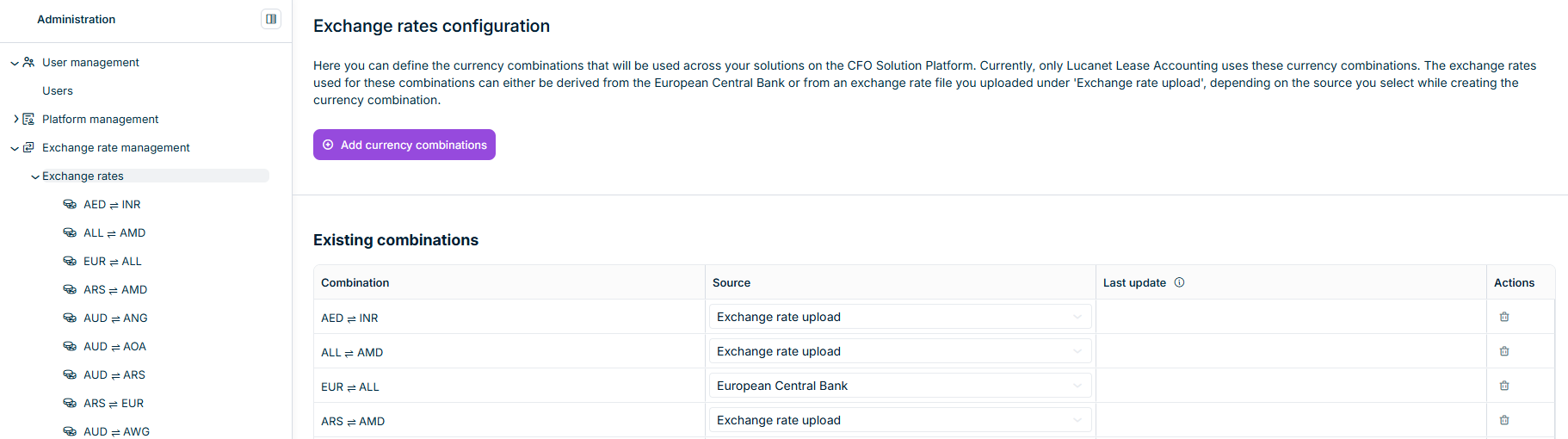
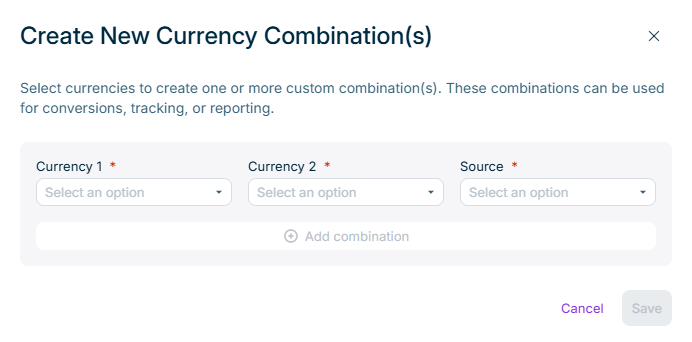
Currency 1 EUR - Euro ).Currency 2 Source European Central Bank Exchange rate upload Custom upload of exchange rates
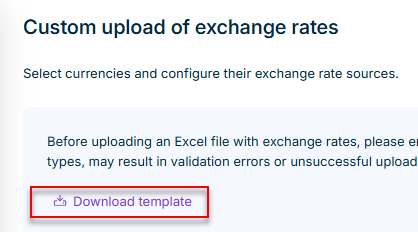

Drag and drop the file onto the upload area. Click choose a file
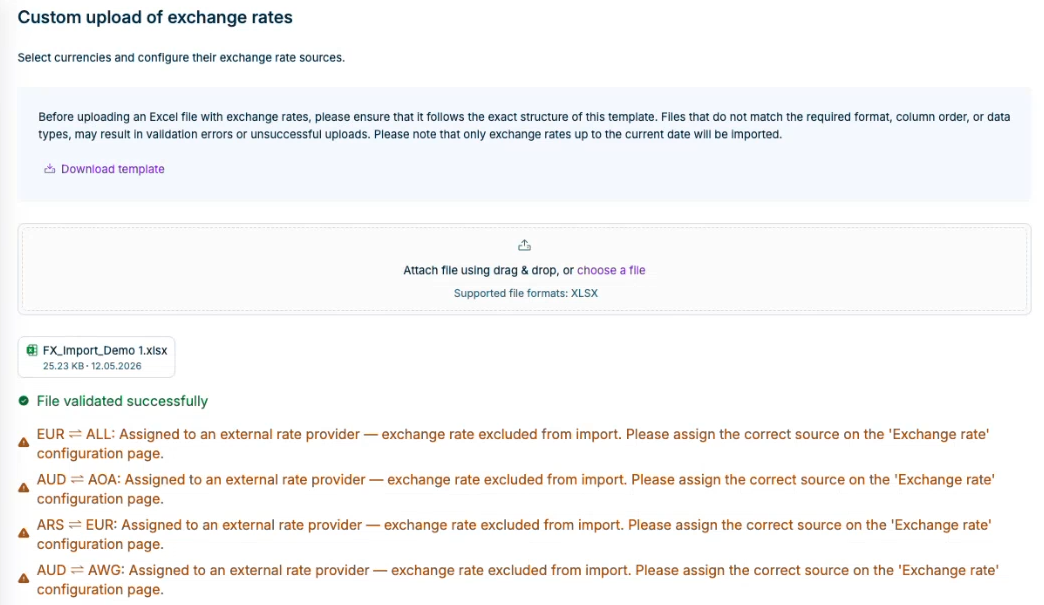
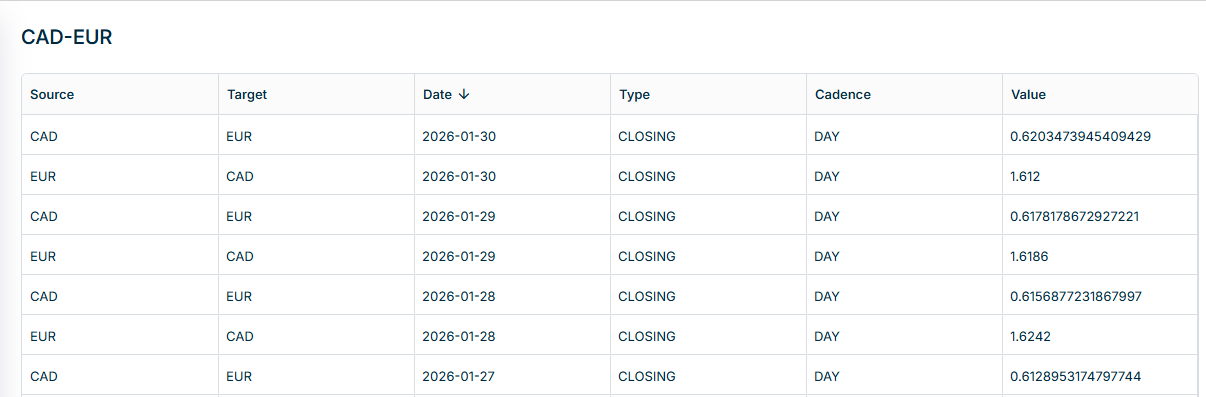
The validation summary updates to show how many exchange rates were saved. Any skipped rows remain listed in the validation summary. The uploaded exchange rate file appears in the Upload history Custom upload of exchange rates The imported exchange rates are stored in the Exchange rates
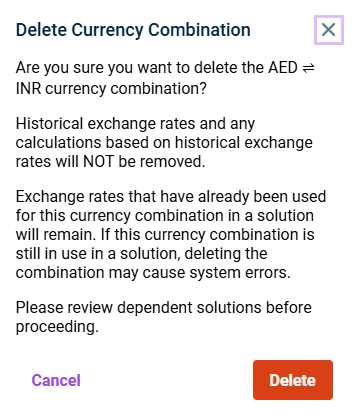
Historical exchange rates and any calculations based on historical rates are not Exchange rates that have already been used in product solutions remain Future uploads for the deleted combination are blocked until you re-create it.
This content was generated using AI and reviewed by Lucanet subject matter experts before publication.